

Top 12 Code Review Automation Tools to Ship Faster in 2025
The traditional pull request process is a known bottleneck. It's slow, prone to human error, and drains senior developer time with repetitive feedback on style, security, and basic logic flaws. In today's fast-paced development cycles, manual reviews simply can't keep up, leading to longer merge times, missed vulnerabilities, and developer frustration. Code review automation tools solve this by acting as a tireless, expert reviewer on every commit.
They enforce standards, catch bugs, and secure code before it ever reaches a human, freeing up engineers to focus on high-impact architectural decisions. This guide dives deep into the top 12 tools of 2025, comparing their strengths, weaknesses, and ideal use cases to help you find the perfect fit for your workflow, whether you're a startup or a large enterprise. We'll explore everything from traditional static analyzers integrated into your CI/CD pipeline to a new generation of in-IDE AI solutions like Kluster.ai that provide instant feedback as you type.
This list is designed to be a practical resource. Each entry includes screenshots, direct links, and a clear breakdown of:
- Key features and capabilities
- Ideal use cases for different team sizes and project types
- Pros, cons, and notable limitations
- Pricing tiers and integration options (IDE, CI/CD, etc.)
Many leading platforms in the market leverage advanced capabilities; exploring various AI-enhanced testing tools can shed light on these innovations and how they complement automated review processes. By the end of this article, you'll have a clear understanding of the landscape and the specific information needed to choose the right automation tool to accelerate your release cycles and improve code quality.
1. kluster.ai
Best for: Real-time, in-IDE verification of AI-generated code.
kluster.ai establishes itself as a premier choice among code review automation tools by shifting the entire process left, directly into the developer's IDE. It operates as a real-time verification layer for AI-generated code, providing feedback in approximately five seconds. This immediacy prevents buggy, insecure, or non-compliant code from ever being committed, fundamentally changing the traditional post-commit review cycle.
Unlike static analyzers that run on pull requests, kluster.ai uses an intent engine that understands the developer's original request. It cross-references AI-generated output against your prompts, repository history, documentation, and chat context. This contextual awareness allows it to catch subtle logic errors, performance regressions, and security vulnerabilities that other tools miss, ensuring the code not only works but also aligns perfectly with the intended functionality.
Key Strengths & Features
- Intent-Driven Analysis: Goes beyond syntax to verify that the AI's output matches the developer's actual goal. It actively detects AI hallucinations and logical flaws by comparing code against the original prompt and project context.
- Instant In-IDE Feedback: Delivers comprehensive reviews directly within popular editors like VS Code and Cursor in about five seconds. This pre-commit check eliminates the lengthy back-and-forth typical of pull request reviews.
- Automated Governance & Compliance: Engineering managers and DevSecOps can configure organization-wide guardrails. kluster.ai automatically enforces security policies, naming conventions, and compliance standards, ensuring consistency and security across the entire team.
- Continuous Learning System: The platform treats every developer correction and follow-up as a training signal. This continuously refines the accuracy of its suggestions, compounding improvements over time and adapting to your team's specific coding patterns.
Practical Use Cases
- DevSecOps Teams: Proactively block vulnerabilities at the source. Instead of finding security flaws in CI/CD pipelines, you prevent them from being written in the first place, ensuring a more secure codebase by default.
- Engineering Managers: Reduce manual review overhead significantly. By automating checks for standards and logic, managers can free up senior developers' time, allowing them to focus on complex architectural decisions instead of routine code reviews.
- High-Velocity Startups: Accelerate development cycles dramatically. Teams report that pull requests are often ready to merge just minutes after code is written, achieving up to 95% faster cycle times and saving developers significant time each week.
Pricing and Access
kluster.ai offers a "Start Free" plan, allowing individual developers and small teams to begin using the tool immediately. For larger teams and enterprises requiring advanced governance, auditability, and custom policy enforcement, custom pricing is available upon booking a demo.
Website: https://kluster.ai
2. GitHub Code Security (part of GitHub Advanced Security)
For development teams already standardized on the GitHub ecosystem, GitHub's native security suite offers one of the most frictionless paths to integrating security-focused code review automation tools. As part of the GitHub Advanced Security add-on, it embeds powerful scanning and dependency analysis directly into the familiar pull request (PR) workflow, effectively eliminating the context-switching often required with third-party tools.

The primary value here is the seamless user experience. When a developer opens a PR, CodeQL automatically scans the code for vulnerabilities and displays alerts directly within the PR checks. This tight integration means security feedback is delivered in the same interface where code collaboration happens, making it a natural part of the development cycle. GitHub's AI capabilities, like Copilot Autofix, can even suggest patches for identified issues, further accelerating remediation.
Key Features & Use Case
This tool is ideal for organizations looking to consolidate their toolchain and bake security scanning into their existing GitHub-centric processes. It’s less about stylistic code quality and more about preventing security vulnerabilities from ever reaching the main branch.
- CodeQL Scanning: Automatically analyzes code for thousands of common security vulnerabilities on every PR.
- Copilot Autofix: Provides AI-generated code suggestions to fix identified security flaws.
- Dependency Review: Scans for vulnerable dependencies and provides alerts, helping manage supply chain security.
- Secret Scanning: Prevents accidental commits of secrets like API keys and tokens.
Pros:
- Deep, first-party integration with the GitHub PR and repository UX.
- Pricing is based on active committers, scaling with actual usage.
- Reduces tool sprawl for teams fully committed to the GitHub platform.
Cons:
- Requires a paid GitHub Team or Enterprise plan as a prerequisite.
- Costs can become significant for organizations with a large number of contributors.
Website: https://github.com/security/plans
3. GitLab DevSecOps platform (Code Review + Code Quality + Duo AI)
For teams seeking an all-in-one DevSecOps platform, GitLab offers a powerful, natively integrated approach to code review automation tools. By building code quality, security scanning, and AI assistance directly into its Merge Request (MR) workflow, GitLab provides a single, unified environment that eliminates the need for multiple disparate tools. This consolidation is its key advantage, especially for organizations that value streamlined CI/CD pipelines and cohesive governance.
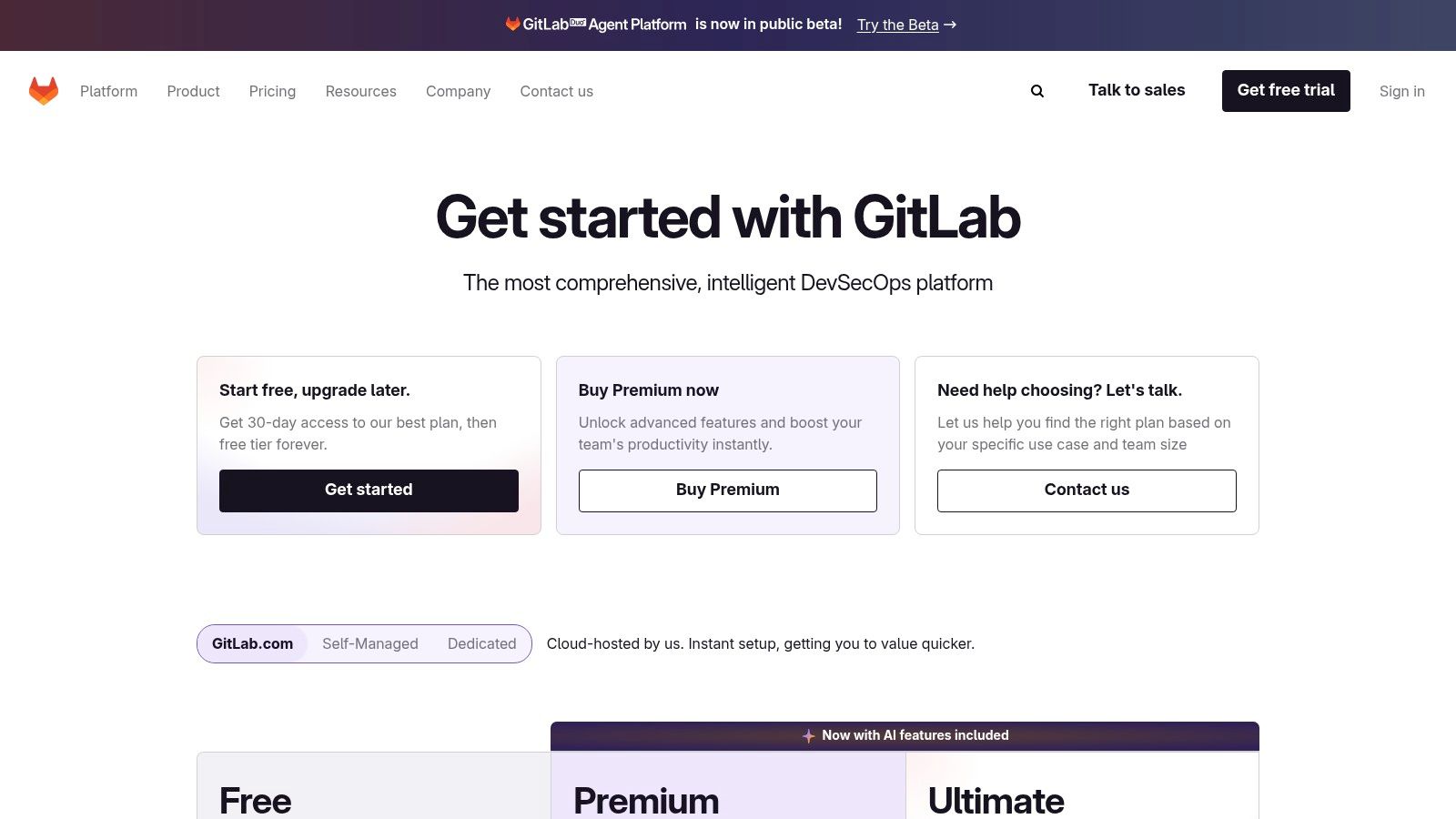
The platform shines in its ability to automate checks and enforce standards within the MR process. When code is pushed, CI pipelines can automatically run SAST scans and code quality analyses, presenting findings directly within the MR for immediate review. With add-ons like GitLab Duo, AI-powered features can summarize changes and explain vulnerabilities, significantly reducing the cognitive load on human reviewers and helping teams resolve issues faster.
Key Features & Use Case
GitLab is ideal for organizations that want to consolidate their entire software development lifecycle into one platform, from source control to deployment. Its flexible deployment options (cloud, self-managed, dedicated) also make it a strong choice for companies with strict compliance or data residency requirements.
- Merge Request Approvals: Automates review processes with inline findings from Code Quality and SAST scans.
- Security & Quality Gates: Enforces compliance by blocking merges that fail to meet predefined security or quality standards in the CI pipeline.
- Duo AI Features: Offers AI-assisted code review with change summaries, vulnerability explanations, and test generation (Duo Pro/Enterprise).
- Flexible Deployment: Available as SaaS (GitLab.com), self-managed, or a single-tenant dedicated instance for maximum control.
Pros:
- Strong MR automation is built into a single, unified workflow.
- Flexible deployment options cater to various compliance and security needs.
- Deep integration between security scanning, quality gates, and the CI/CD pipeline.
Cons:
- Advanced application security features are locked behind the expensive Ultimate tier.
- The initial CI/CD configuration can have a learning curve for first-time users.
Website: https://about.gitlab.com/pricing/
4. SonarCloud (SonarSource)
SonarCloud, the cloud-based offering from SonarSource, stands out as one of the most popular and well-rounded code review automation tools for teams of all sizes. It integrates directly with major Git providers like GitHub, GitLab, and Bitbucket, posting detailed analysis and quality metrics directly within pull requests. This "PR decoration" provides immediate, actionable feedback on code quality, security vulnerabilities, and code smells, helping developers fix issues before they are merged.
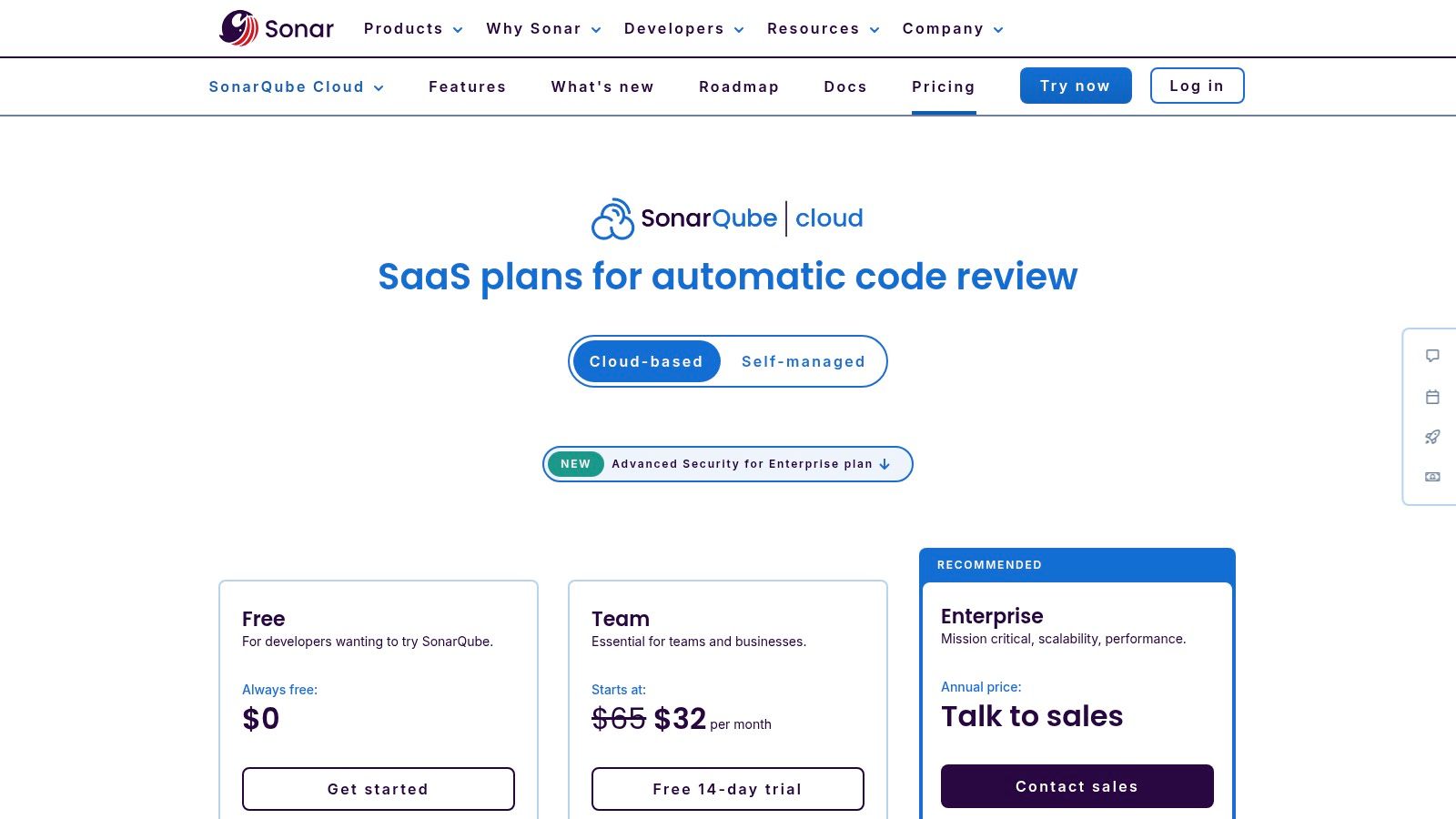
The platform’s core strength lies in its "Quality Gate" concept, which allows teams to define clear pass/fail conditions for new code based on metrics like code coverage, duplications, and the severity of new issues. This enforces a consistent standard of quality and prevents technical debt from accumulating. With support for over 30 languages and a free tier for public repositories, SonarCloud is highly accessible for a wide range of projects.
Key Features & Use Case
SonarCloud is ideal for teams seeking a robust, language-agnostic static analysis tool that balances code quality and security without a steep learning curve. It’s particularly effective for organizations that want to establish and enforce objective coding standards automatically across their CI/CD pipelines.
- Automated PR Decoration and Quality Gates: Provides direct feedback in pull requests and can block merges that don't meet defined quality criteria.
- SAST and Issue Workflows: Identifies security vulnerabilities (OWASP Top 10, CWE Top 25) and provides a clear workflow for triaging and resolving issues.
- Broad Language Support: Analyzes over 30 programming languages, frameworks, and infrastructure-as-code technologies.
- Integration with GitHub/GitLab/Bitbucket: Offers seamless setup and integration with the most popular SCM platforms.
Pros:
- Predictable LOC-based pricing is easy to understand and budget for.
- Excellent user interface with clear PR comments and issue explanations.
- Strong default rulesets and extensive language coverage out of the box.
Cons:
- Lines of code (LOC) metered pricing can become complex or costly for large monorepos.
- Advanced enterprise controls and reporting often require upgrading to the SonarQube offering.
Website: https://www.sonarsource.com/plans-and-pricing/sonarcloud/
5. Codacy
Codacy stands out as an automated code review and quality platform that prioritizes speed and developer experience, especially for teams using cloud-based Git providers like GitHub, GitLab, and Bitbucket. Its major differentiator is the ability to analyze pull requests and provide feedback directly without requiring any CI/CD pipeline configuration. This makes it one of the fastest code review automation tools to set up, lowering the barrier to entry for teams eager to improve code quality immediately.
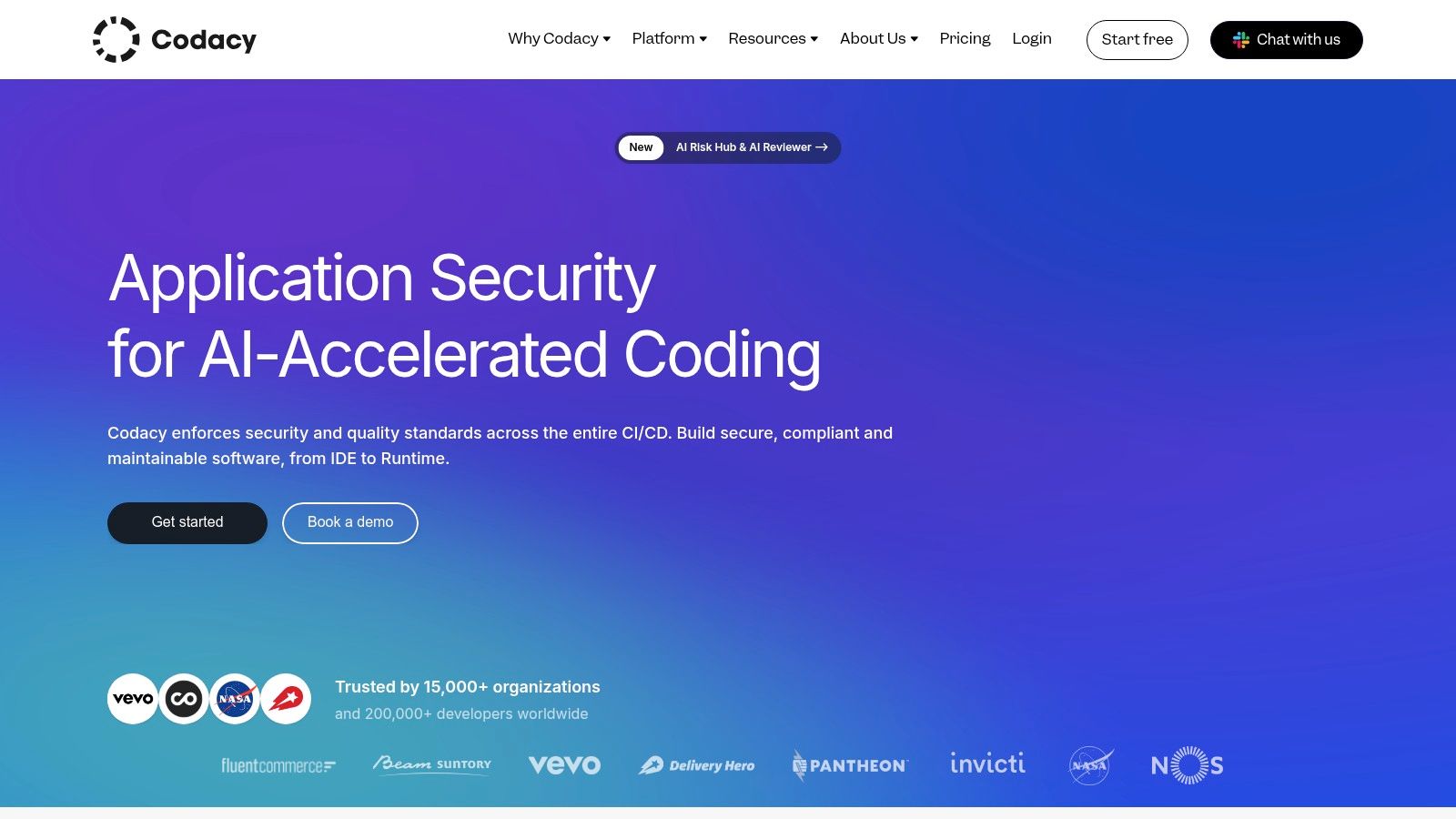
The platform is built around delivering timely feedback where it matters most: within the pull request and directly in the developer's IDE. By combining static analysis, security scanning, and organizational policy enforcement, Codacy acts as a proactive guardrail. This helps developers catch issues before they are even committed, fostering a culture of quality and security from the very first line of code.
Key Features & Use Case
Codacy is ideal for engineering teams that want to implement comprehensive code quality and security standards with minimal setup overhead. Its focus on PR-time feedback and IDE integration makes it perfect for organizations aiming to shift quality and security checks as far left as possible in the development lifecycle.
- Pipeline-Free Analysis: Scans pull requests for issues across 49+ languages without needing CI integration.
- IDE Guardrails: Provides real-time feedback and AI-powered suggestions directly within VS Code and JetBrains IDEs.
- Centralized Quality Policies: Enables organizations to define and enforce coding standards and security policies across all projects.
- Security Scanning: Includes SAST, secret scanning, and dependency analysis to identify vulnerabilities early.
Pros:
- Extremely fast onboarding for cloud repositories, often taking just a few minutes.
- Strong emphasis on PR-time feedback and IDE guardrails to prevent issues.
- Offers a free tier for open-source projects and a generous trial for commercial use.
Cons:
- Does not support self-hosted Git servers or Azure DevOps Repos.
- Advanced enterprise features and pricing require direct contact with sales.
Website: https://www.codacy.com/
6. DeepSource
DeepSource positions itself as a fast, low-noise static analysis platform that goes beyond just finding issues by actively helping to fix them. It integrates directly into Git workflows, providing automated reviews on every pull request to catch code quality, security, bug risks, and performance problems early. Its standout feature, "Autofix," can generate pull requests with suggested patches for many of the issues it discovers, significantly reducing the manual effort required for code cleanup.
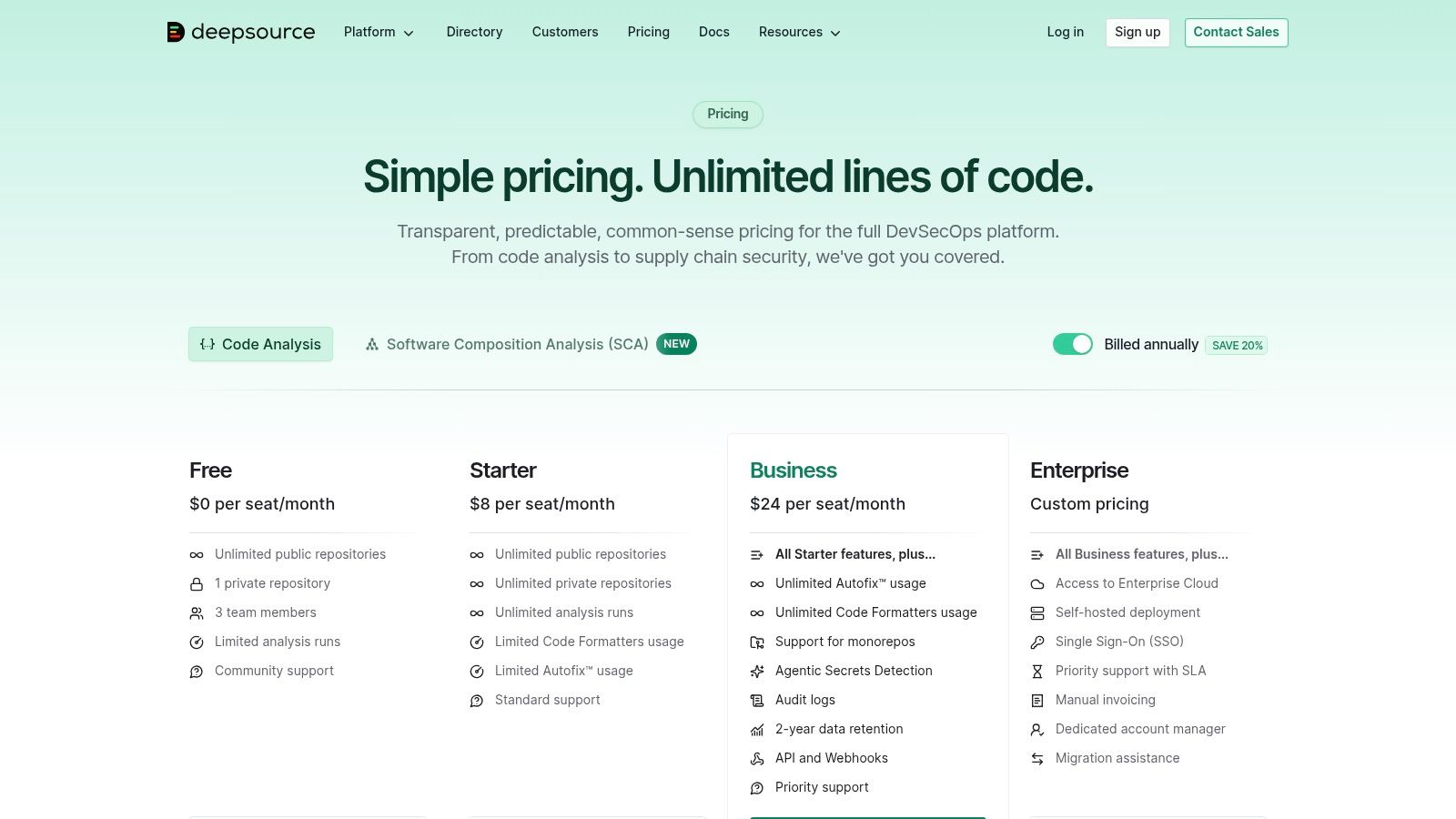
This focus on automated remediation makes DeepSource one of the more proactive code review automation tools available. By not only flagging problems but also providing ready-to-merge solutions, it helps teams maintain high code quality standards without sacrificing development velocity. The platform's ability to handle SAST, secrets detection, and code coverage within the same workflow makes it a comprehensive DevSecOps solution, especially for small to mid-size teams looking for a cost-effective yet powerful tool.
Key Features & Use Case
DeepSource is best suited for development teams that want to automate both the detection and correction of code issues. It's an excellent choice for organizations aiming to streamline their review process and empower developers to fix problems with minimal friction, directly from their Git provider.
- Autofix Pull Requests: Automatically creates PRs with suggested fixes for detected code quality and security issues.
- Comprehensive Analysis: Includes Static Application Security Testing (SAST), secrets detection, and test coverage analysis.
- Broad SCM Integration: Natively supports GitHub, GitLab, Bitbucket, and Azure DevOps for seamless workflow integration.
- Monorepo Support: Effectively analyzes large, complex monorepositories, a common challenge for many static analysis tools.
Pros:
- Autofix feature dramatically accelerates the process of fixing common code issues.
- Affordable entry-level pricing with unlimited lines of code on some plans.
- Quick setup via the GitHub Marketplace and other SCM integrations.
Cons:
- Unlimited Autofix and advanced features are gated behind the higher-tier Business plan.
- Self-hosted and air-gapped deployment options are exclusive to Enterprise customers.
Website: https://deepsource.com/pricing
7. Snyk Code
Snyk Code positions itself as a developer-first Static Application Security Testing (SAST) tool, making it one of the most effective code review automation tools for teams prioritizing security. Its core strength lies in providing rapid, real-time security feedback directly within the developer's existing workflow, whether that's in the IDE or during the pull request process. This approach minimizes context switching and empowers developers to fix vulnerabilities as they code.
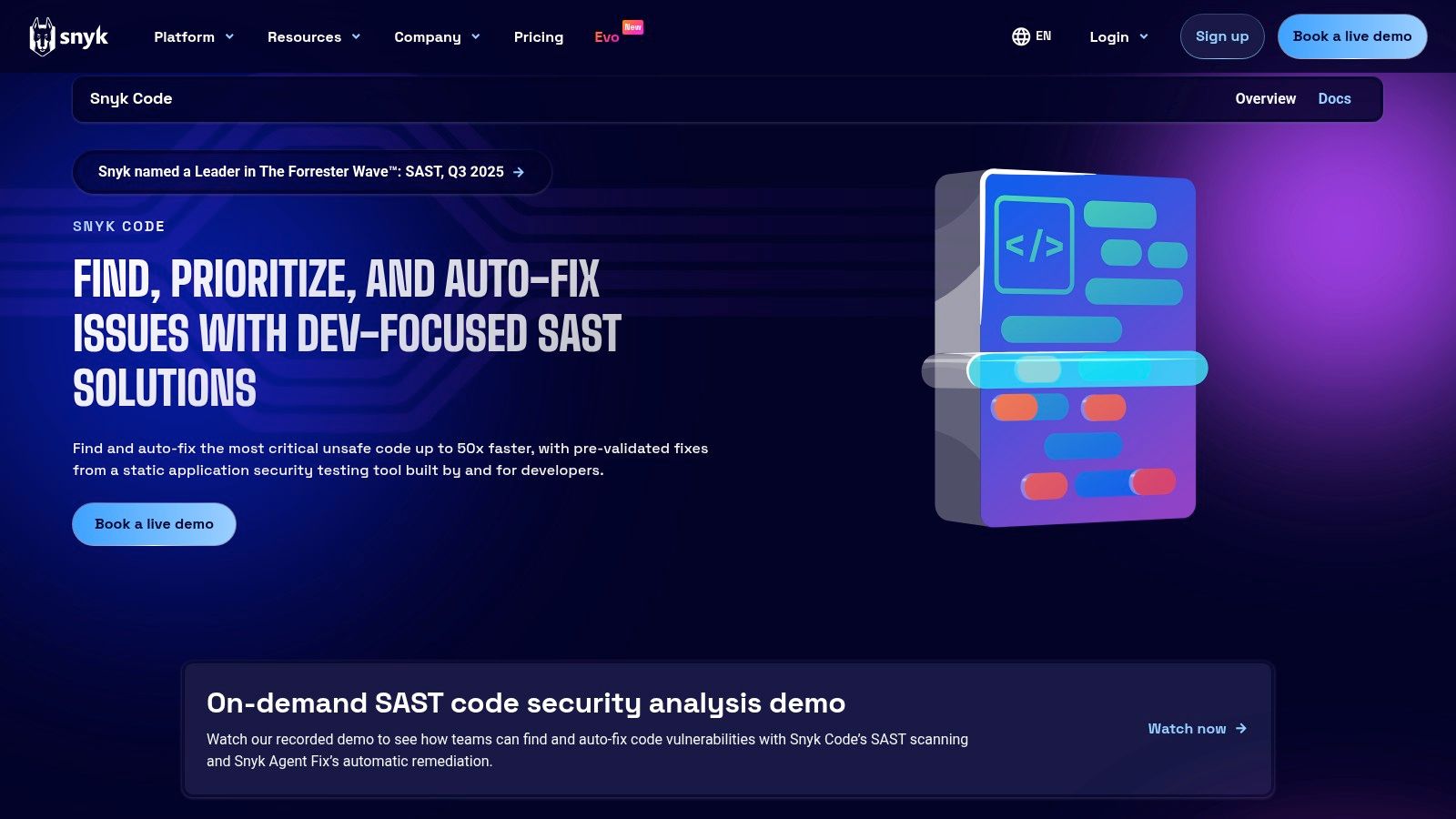
The platform stands out by embedding rich educational content and auto-fix suggestions alongside its findings. When Snyk identifies an issue in a pull request, it doesn't just flag the problem; it posts detailed inline comments with explanations and often provides a one-click fix. This turns the code review into a learning opportunity, helping to prevent similar issues, including the kinds of subtle vulnerabilities that can be introduced by AI coding assistants. For a deeper dive into this topic, you can learn more about AI-generated code issues on kluster.ai.
Key Features & Use Case
Snyk Code is ideal for DevSecOps-focused organizations that want to shift security left and make developers the first line of defense. It excels at integrating security scanning seamlessly into high-velocity development cycles without causing friction.
- Real-Time SAST: Scans code for vulnerabilities in real-time within the IDE and as part of CI/CD checks.
- Inline PR Comments: Posts clear, actionable vulnerability details and summaries directly within pull requests.
- Auto-Fix Suggestions: Offers automated code patches to accelerate the remediation of identified security flaws.
- Broad Ecosystem Support: Integrates with popular IDEs, source control managers (GitHub, GitLab, etc.), and CI/CD pipelines.
Pros:
- Excellent developer-centric user experience with fast, actionable results.
- Reduces friction by delivering security feedback inside the pull request.
- The constantly improving PR comment experience enhances the review process.
Cons:
- Team and Enterprise pricing is opaque and requires sales engagement.
- Some advanced PR commenting features may be in early access for certain platforms.
Website: https://snyk.io/product/snyk-code/
8. Code Climate Quality (Qlty Cloud)
For teams prioritizing code maintainability and test coverage, Code Climate Quality offers a focused and highly accessible suite of code review automation tools. It integrates directly into the pull request workflow, providing automated analysis on code complexity, duplication, and style. Its primary goal is to surface technical debt and maintainability issues early, keeping the codebase healthy and understandable over the long term.
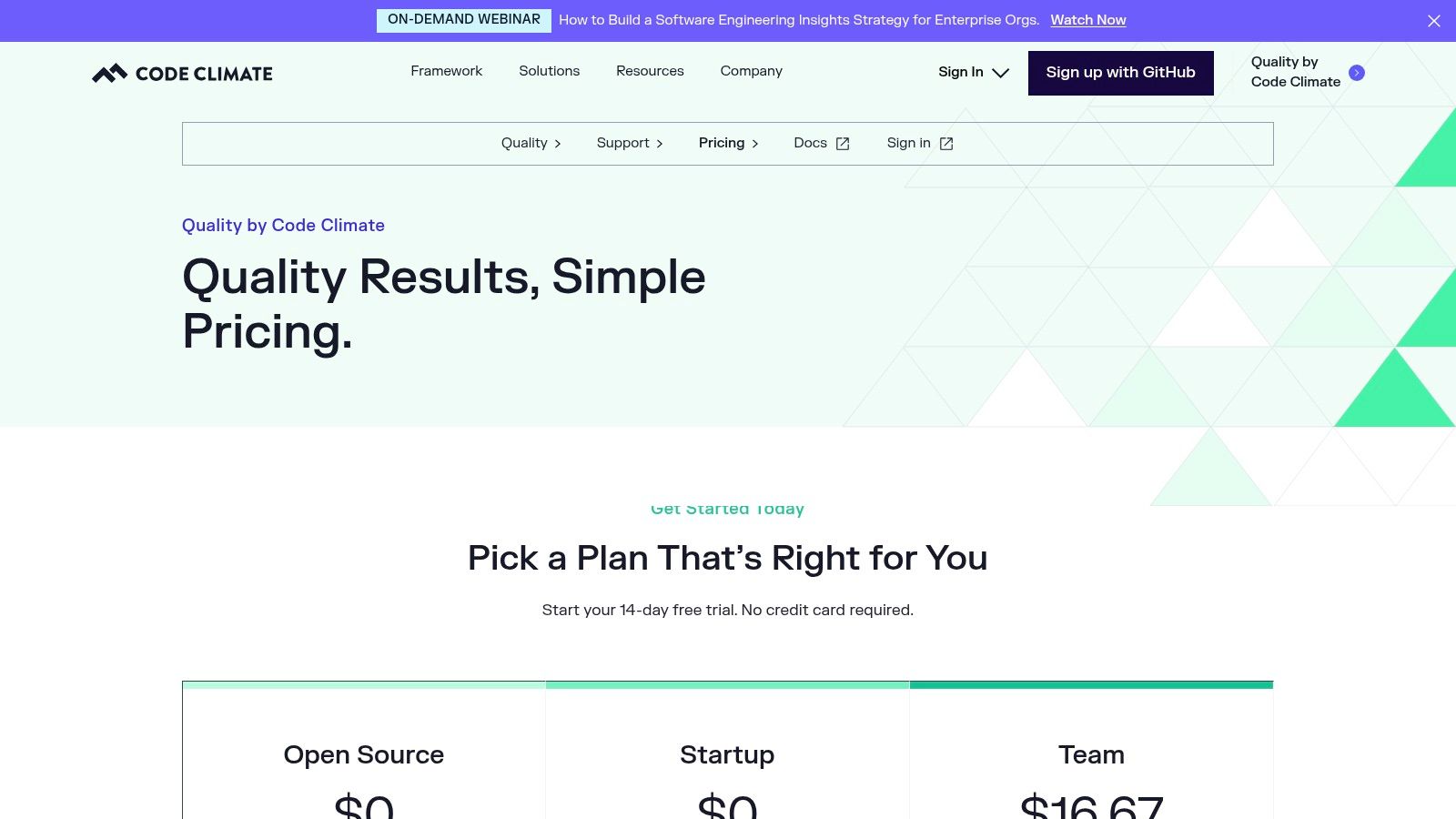
The platform stands out by providing clear, actionable feedback directly within pull request comments. Instead of just flagging a problem, it explains why it's an issue and estimates the time to fix it, which helps developers learn and improve. A standout feature is its line-by-line test coverage reporting on diffs, ensuring that new code is not only clean but also well-tested before it gets merged.
Key Features & Use Case
This tool is ideal for startups and growing teams looking for an easy-to-adopt solution to enforce code quality standards without a heavy investment. It's particularly effective for identifying "hotspots" or complex files that are most in need of refactoring, allowing teams to strategically pay down technical debt.
- Automated PR Checks: Analyzes pull requests for maintainability issues like complexity, duplication, and code smells.
- Line-by-Line Coverage Reporting: Shows which lines of code in a diff are covered by tests, preventing coverage gaps.
- Hotspot Analysis: Identifies complex and frequently changed files to prioritize refactoring efforts.
- GitHub Integration & CLI: Integrates seamlessly with GitHub and offers a command-line interface for local analysis.
Pros:
- Simple, per-seat pricing with a generous free tier for open source and small teams (up to 4 seats).
- Provides clear, actionable comments in PRs that keep reviews focused on quality.
- Extremely easy setup, making it a great entry point for teams new to code quality automation.
Cons:
- Focus is primarily on maintainability and coverage, not deep static analysis security testing (SAST).
- Advanced analytics, governance features, and enterprise support are locked behind higher-priced plans.
Website: https://marketingapi.codeclimate.com/quality/pricing
9. JetBrains Qodana
For development teams heavily invested in the JetBrains ecosystem, Qodana offers a highly integrated and familiar approach to code quality and static analysis. It extends the powerful, real-time code inspections from IDEs like IntelliJ IDEA and WebStorm into the CI/CD pipeline, creating a consistent experience from local development to repository-level enforcement. This makes it one of the most developer-friendly code review automation tools for teams already using JetBrains products.
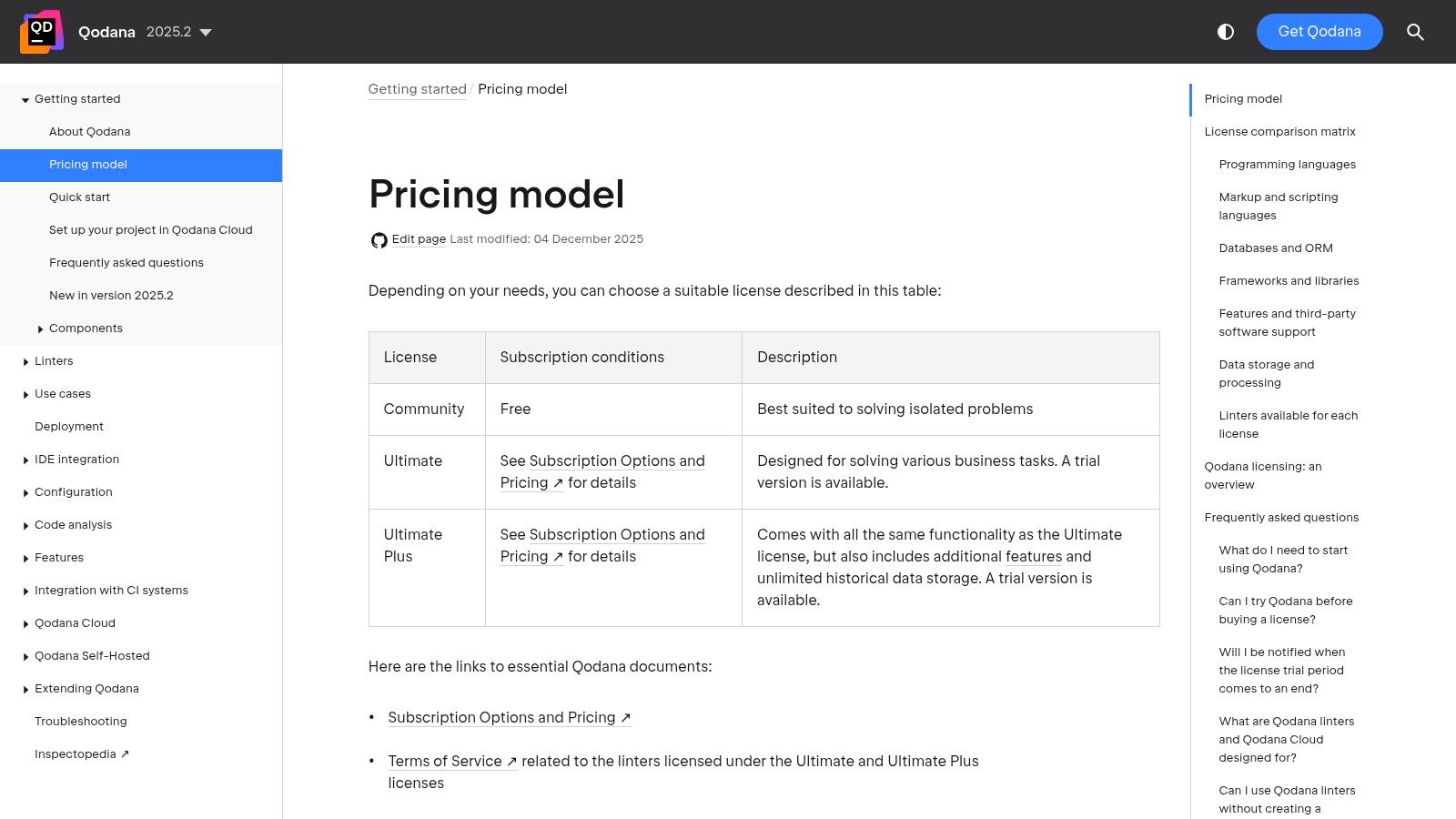
Qodana functions as a robust quality gate, running comprehensive static analysis on every pull request to identify bugs, security vulnerabilities, and stylistic issues. Its key differentiator is the seamless workflow it enables. A developer can identify and fix an issue using the same inspection logic in their local IDE that the Qodana platform uses in the pipeline, which significantly reduces friction and speeds up the review cycle.
Key Features & Use Case
This tool is perfect for organizations that want to leverage their existing JetBrains expertise to build a unified code quality standard across local and CI environments. It excels at providing detailed, actionable feedback within a workflow developers already know and trust, with flexible deployment options for compliance-sensitive industries.
- IDE Integration: Deep integration with JetBrains IDEs and VS Code to provide a consistent analysis experience.
- Quality Gates: Enforces code quality standards directly in the CI pipeline, blocking merges that don't meet defined criteria.
- Cloud & Self-Hosted: Offers Qodana Cloud for easy setup and self-hosted options for on-premise or private cloud needs.
- Organizational Dashboards: Provides high-level insights into code quality trends and technical debt across projects.
Pros:
- Excellent developer experience for existing JetBrains IDE users.
- Self-hosted option is suitable for regulated or high-compliance environments.
- Contributor-based licensing aligns costs with active development in PR-centric workflows.
Cons:
- Exact cloud pricing is not listed on the main JetBrains page, requiring a deeper look.
- Contributor-based licensing may require active tracking in larger organizations.
Website: https://www.jetbrains.com/help/qodana/pricing.html
10. Amazon CodeGuru Reviewer (AWS)
For teams deeply embedded in the AWS ecosystem, Amazon CodeGuru Reviewer provides a native, machine-learning-powered solution for automating code reviews. It integrates directly with repositories in GitHub and Bitbucket, analyzing pull requests to provide intelligent recommendations. Its primary distinction is its tight coupling with the AWS console, centralizing findings and aligning code quality checks with your cloud infrastructure's operational best practices.
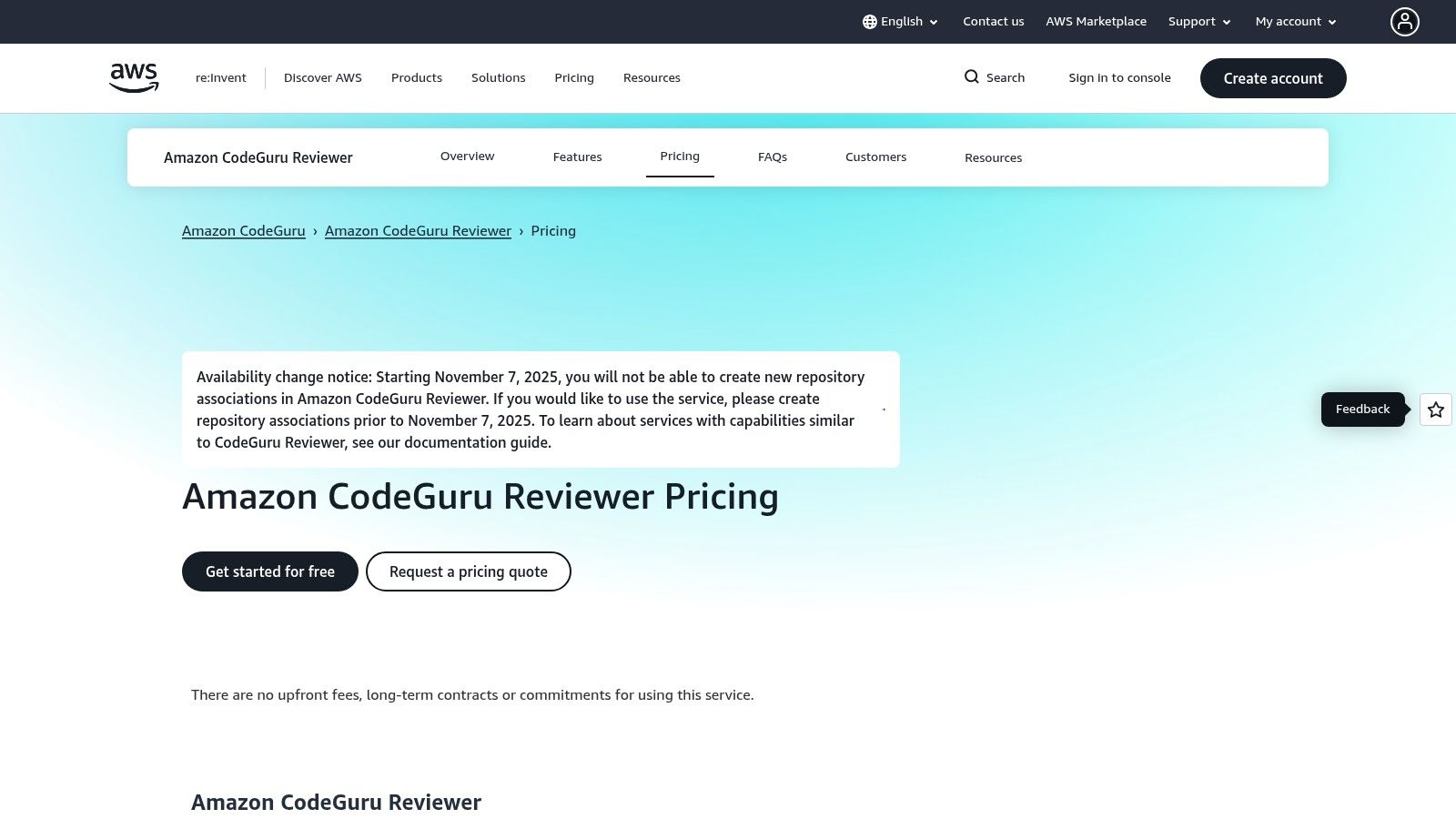
The service functions by performing both full-repository scans and incremental analysis on new pull requests, commenting directly on the code where issues are found. This approach makes it one of the more seamless code review automation tools for developers who spend their day working with AWS services. Recommendations cover not just security vulnerabilities like those outlined by OWASP, but also resource leaks and deviations from AWS API best practices, helping to prevent performance and reliability issues in production.
Key Features & Use Case
CodeGuru Reviewer is best suited for organizations that want to leverage AWS's machine learning capabilities to enforce cloud-specific best practices and security standards. Its value is highest when development and cloud operations are closely aligned.
- Automated PR Analysis: Scans pull requests in connected repositories and adds inline comments with actionable recommendations.
- Full Repository Scans: Provides a comprehensive baseline analysis of an entire codebase to identify existing technical debt and security risks.
- Centralized AWS Console Findings: Aggregates all identified issues within the AWS CodeGuru console for centralized tracking and management.
- Security & Best Practice Checks: Detects common security vulnerabilities, resource leaks, and concurrency issues, with a strong focus on Java and Python.
Pros:
- Predictable pricing model based on lines of code (LOC), with incremental scans included.
- Deep integration with the AWS console offers a single pane of glass for code quality and infrastructure insights.
- Generous free tier for the first 90 days, covering up to 100K lines of code.
Cons:
- As of late 2025, AWS halted the creation of new repository associations for CodeGuru Reviewer; verify current availability before adopting.
- Has a primary language focus on Java and Python, with more limited support for others.
Website: https://aws.amazon.com/codeguru/reviewer/pricing/
11. AWS Marketplace (curated listings for automated code review)
For enterprises deeply integrated with the AWS ecosystem, the AWS Marketplace offers a streamlined procurement channel for acquiring third-party code review automation tools. Rather than being a single tool, it’s a digital catalog where organizations can discover, purchase, and deploy software from vendors like SonarSource, Snyk, and Checkmarx using their existing AWS account for consolidated billing and simplified license management.
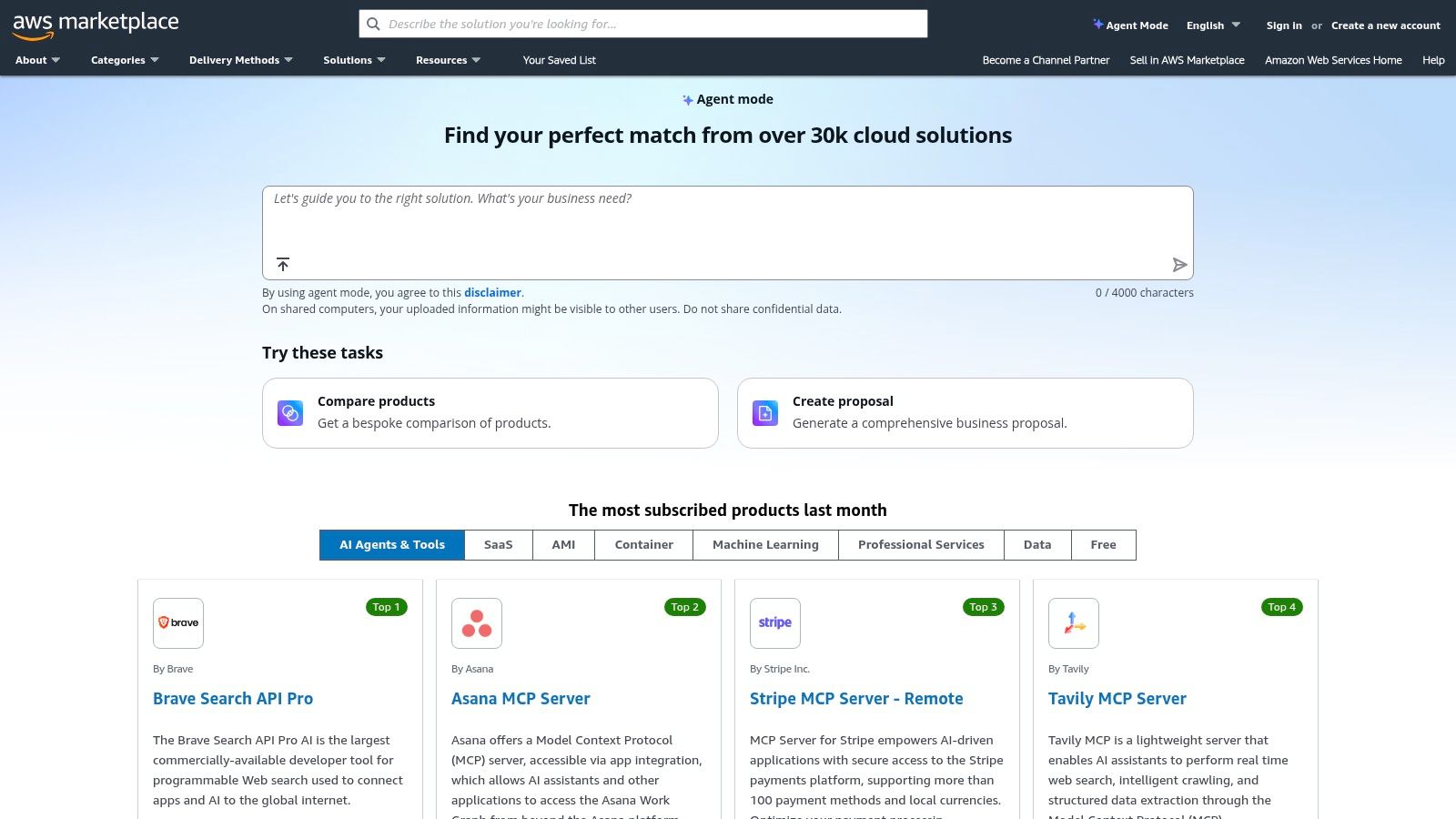
The primary advantage is operational efficiency. It eliminates the friction of onboarding new vendors, as purchases are handled through familiar AWS procurement workflows, including private offers and enterprise agreements. This approach allows teams to quickly spin up SAST, DAST, or code quality tools as container images or AMIs directly within their AWS environment, aligning software acquisition with cloud infrastructure management.
Key Features & Use Case
This platform is ideal for large organizations that need to centralize procurement and simplify vendor management for their development tools. It enables them to leverage their AWS spend commitment while accessing a wide variety of specialized code review solutions that can be deployed quickly into their private cloud.
- Consolidated Billing: All software purchases are added to the monthly AWS bill, simplifying accounting.
- Enterprise Procurement Workflows: Supports private offers and custom terms, fitting into standard enterprise purchasing processes.
- Diverse Tool Selection: Hosts a wide range of code review, SAST, and dependency scanning tools.
- Quick Deployment Options: Many listings offer deployment via Amazon Machine Images (AMIs) or containers for fast setup.
Pros:
- Drastically simplifies vendor onboarding and billing for existing AWS customers.
- Enables use of committed AWS spend for third-party software procurement.
- Allows for rapid deployment of tools directly into an organization's AWS infrastructure.
Cons:
- Pricing, quality, and support vary significantly between individual product listings.
- Users must still perform their own due diligence on each tool's security and capabilities.
Website: https://aws.amazon.com/marketplace/
12. Atlassian Marketplace (Bitbucket code review automation)
For teams embedded in the Atlassian ecosystem, the Atlassian Marketplace serves as an app store for extending Bitbucket's native capabilities with specialized code review automation tools. Instead of a single, monolithic solution, the marketplace allows teams to assemble a custom toolchain by cherry-picking apps that solve specific problems, from adding AI-powered reviewers to enforcing complex approval workflows directly within Bitbucket Cloud or Server.
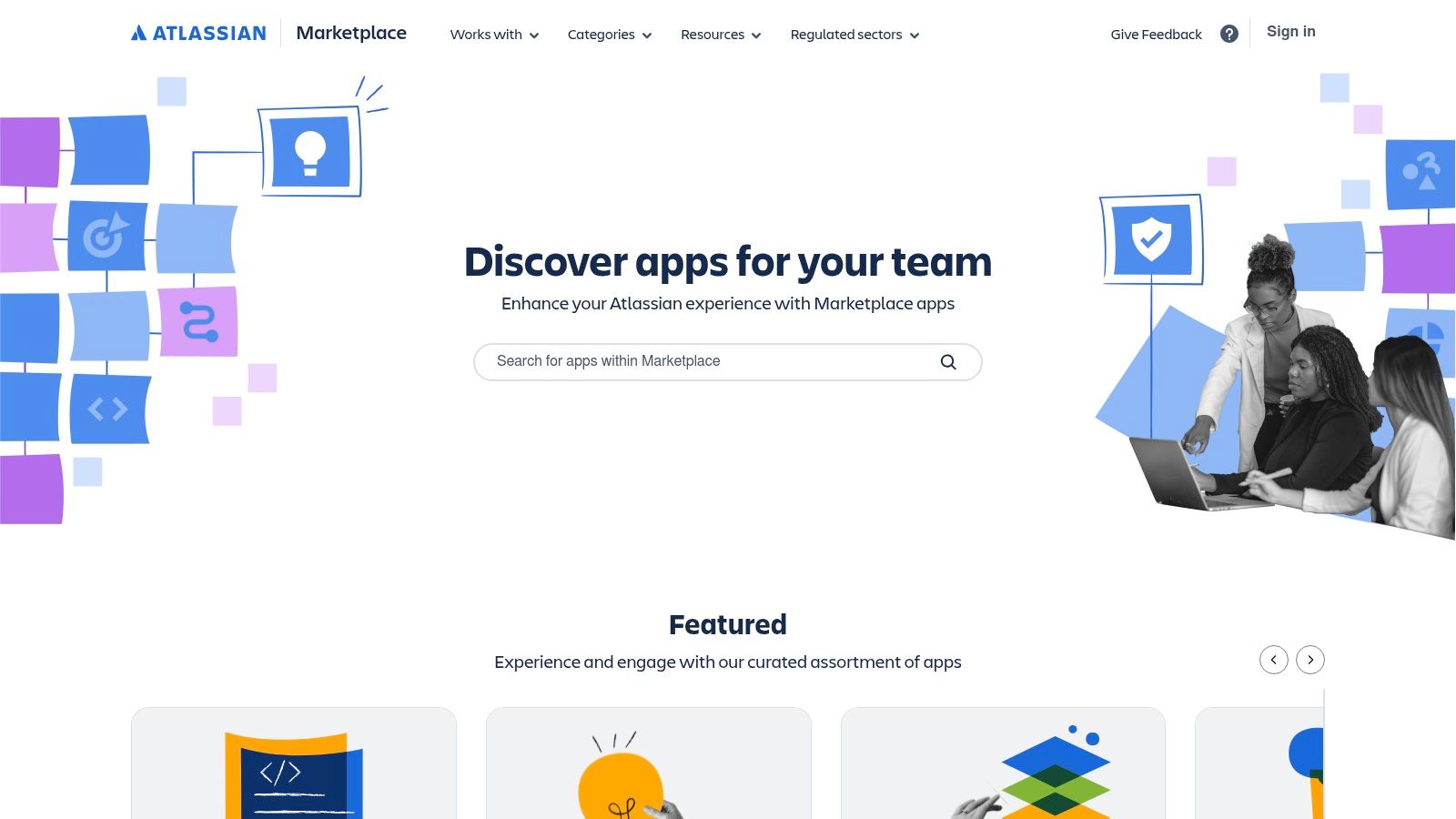
The core advantage is the ability to create a tailored, integrated experience. Apps install directly into the Bitbucket UI with a "Get it now" button, minimizing setup friction. A development team can add an app to automatically suggest reviewers based on code ownership, another to integrate a third-party static analysis tool's findings into pull requests, and a third to provide AI-generated summaries of changes, all within the familiar Bitbucket interface. Following clear guidelines for effective code reviews becomes easier when the tooling is built right into your workflow.
Key Features & Use Case
This approach is ideal for organizations using Bitbucket that need to address specific gaps in their code review process without migrating to a new platform. It empowers teams to build a highly customized automation workflow that fits their exact needs and budget.
- PR Assistants and AI Reviewers: A variety of apps add AI-driven suggestions, summaries, and automated checks to Bitbucket pull requests.
- Static Analysis Overlays: Integrate reports from tools like SonarQube directly into the PR view for unified feedback.
- Wide Selection for All Deployments: A large catalog of vendor apps supports Bitbucket Cloud, Server, and Data Center.
- Fast Installation and Trials: Most apps offer quick, one-click installs and free trial periods for easy evaluation.
Pros:
- Natively integrates with the Bitbucket UI for a seamless user experience.
- A diverse mix of free and paid apps accommodates various team sizes and budgets.
- Wide choice of specialized vendors and niche solutions.
Cons:
- Quality, features, and support can vary significantly between app vendors.
- Some apps are highly specialized, focusing only on specific languages or frameworks.
Website: https://marketplace.atlassian.com/
Top 12 Code Review Automation Tools — Feature Comparison
| Product | Core Capabilities | UX & Quality (★) | Value & Pricing (💰) | Target & USP (👥 ✨) |
|---|---|---|---|---|
| kluster.ai 🏆 | Real-time in-IDE reviews, intent engine, verifies AI-generated code, catches hallucinations, security, regressions | ★★★★★ Instant (~5s) verification; high alignment with prompts | 💰 Start free; enterprise via sales — halves review time, saves dev hours | 👥 Devs, Eng managers, DevSecOps. ✨ In-IDE instant verification, intent-driven fixes, continuous learning |
| GitHub Code Security | CodeQL scanning, Copilot Autofix, dependency review, PR integration | ★★★★ Deep PR-time checks in GitHub UX | 💰 Add‑on to GitHub Team/Enterprise; per-active-committer | 👥 GitHub-standardized teams. ✨ First-party GitHub integration |
| GitLab DevSecOps | MR automation, SAST, quality gates, Duo AI review assistance, CI/CD integration | ★★★★ Strong MR workflows; good CI integration | 💰 Cloud/self‑managed; advanced features on Ultimate tier | 👥 Teams needing integrated DevSecOps & compliance. ✨ All‑in‑one platform + flexible deployment |
| SonarCloud (SonarSource) | PR analysis, quality gates, SAST-style triage, 30+ languages | ★★★★ Clear PR decoration and rule sets | 💰 LOC-based pricing; free for public repos | 👥 Small-mid teams & OSS. ✨ Broad language support, predictable LOC billing |
| Codacy | PR scanning (SAST, secrets), IDE guardrails, org policies, analytics | ★★★★ Fast onboarding; PR-time feedback | 💰 Free for OSS; cloud SaaS; enterprise via sales | 👥 Cloud repos, fast-moving teams. ✨ No-pipeline onboarding and IDE guardrails |
| DeepSource | Static analysis, SAST, secrets, Autofix PRs, monorepo support | ★★★★ Autofix PRs speed remediation | 💰 Low entry pricing; unlimited LOC on some plans | 👥 Small–mid teams. ✨ Autofix PRs and Marketplace install |
| Snyk Code | Real-time IDE & PR SAST, auto-fix, inline explanations, security intelligence | ★★★★ Developer-centric security UX | 💰 Team/Enterprise via sales | 👥 Security-focused dev teams. ✨ Rich security intelligence and learning content |
| Code Climate Quality | Maintainability, duplication, complexity checks, coverage-on-diff, hotspots | ★★★☆ Clear actionable PR comments; coverage diffs | 💰 Per-seat pricing; free startup tier | 👥 Startups/small teams. ✨ Line-by-line coverage on diffs and hotspot analysis |
| JetBrains Qodana | Static analysis, PR checks, quality gates, IDE integration, cloud/self-host | ★★★★ Excellent for JetBrains users; good dashboards | 💰 Contributor-based licensing; cloud & self-host options | 👥 JetBrains IDE teams, regulated orgs. ✨ Self‑host/on‑prem for compliance |
| Amazon CodeGuru Reviewer | ML-powered PR analysis, full-repo scans, inline recommendations, AWS console | ★★★ AWS console integration; strong Java/Python focus | 💰 LOC-tiered pricing; free trial tiers available | 👥 AWS-centric teams. ✨ Native AWS integration and centralized findings |
| AWS Marketplace | Consolidated procurement, billing, private offers, quick AMI/container delivery | ★★★ Simplifies vendor onboarding and billing | 💰 Consolidated AWS billing; pricing varies by listing | 👥 Enterprises using AWS procurement. ✨ Private offers & fast deployment paths |
| Atlassian Marketplace | Bitbucket apps for automated reviewers, AI summaries, static analysis integrations | ★★★ Wide app choice; fast installs for Bitbucket | 💰 Mix of free & paid apps; vendor pricing varies | 👥 Bitbucket teams. ✨ Tailored Bitbucket-centric toolchain and quick installs |
Choosing Your Ideal Tool and Redefining 'Done'
Navigating the landscape of code review automation tools can feel overwhelming, but the journey ends with a powerful realization: the right tool doesn't just find bugs; it fundamentally redefines what "done" means for your development lifecycle. It shifts quality and security from a post-commit checkpoint to a continuous, integrated part of the creation process. The decision is no longer about if you should automate, but how you can best integrate this automation to empower your developers, secure your codebase, and accelerate your delivery pipeline.
The tools we've explored, from platform-native solutions like GitHub Advanced Security and GitLab's DevSecOps platform to specialized SAST leaders like Snyk and SonarCloud, all offer distinct pathways to achieving this goal. Your ideal choice hinges on a clear-eyed assessment of your team's unique challenges and priorities.
Making the Right Choice: A Practical Framework
To move from analysis to action, consider these critical factors when selecting your code review automation tool:
- Integration Point: Where does your biggest bottleneck lie? If your team is struggling with lengthy pull request cycles and inconsistent feedback, an in-IDE solution like kluster.ai offers immediate, pre-commit validation. If your primary concern is catching vulnerabilities before deployment, a CI/CD-integrated scanner like Codacy or DeepSource is a more traditional and effective choice.
- Team Composition and Scale: The size and structure of your team matter significantly. A large enterprise might prioritize the governance and policy enforcement features of JetBrains Qodana or Code Climate Quality. When evaluating and choosing the ideal code review automation tool for your organization, it's also crucial to consider factors like your team's composition, including the growing trend of IT contractors in modern development teams, as this can influence integration and training needs.
- Core Focus: Is your main objective security, code style, or overall maintainability? While many tools cover all three, they often have a primary strength. Snyk excels in dependency and code security, SonarCloud is a powerhouse for code quality and maintainability metrics, and platforms like GitHub and GitLab offer a tightly integrated, all-in-one experience.
- The Rise of AI-Generated Code: If your developers are leveraging AI coding assistants, your review process needs to evolve. Traditional static analysis may miss subtle logical flaws or security issues in AI-generated code. This is where tools designed for the AI era provide a distinct advantage by validating code intent and structure before it ever becomes a PR.
Your Actionable Next Steps
The ultimate goal of adopting any of these code review automation tools is to free your developers from mundane, repetitive tasks. By automating checks for style, security vulnerabilities, and common errors, you elevate the human-led code review to what it should be: a high-level discussion about architecture, logic, and user impact. This automation transforms your pull requests from a source of friction into a catalyst for collaboration and innovation.
Don't let analysis paralysis stall your progress. Select the two or three tools from this list that most closely align with your primary pain points. Most offer free trials or open-source tiers, providing a low-risk opportunity to see their impact firsthand. Run a pilot program with a small, receptive team. The insights you gain will be invaluable in making a final, confident decision that will pay dividends in code quality, developer happiness, and delivery speed for years to come.
Ready to shift code quality and security checks to the earliest possible point in your workflow? Discover how kluster.ai provides instant, intelligent feedback directly within the IDE, validating AI-generated code and human-written logic before it ever becomes a pull request. Empower your developers to code faster and more securely by visiting kluster.ai to start your free trial.