

The 12 Best Static Analysis Tools for Production-Ready Code in 2026
Static Application Security Testing (SAST), or static analysis, has long been a cornerstone of secure software development, scanning code for bugs and vulnerabilities before it ever runs. But as AI coding assistants generate more code than ever, the old model of slow, batch-based scans and noisy pull request comments is showing its age. Modern development demands speed, accuracy, and in-workflow feedback. The best static analysis tools today integrate seamlessly into the developer's environment, providing rapid, actionable insights without the context-switching that kills productivity. This guide cuts through the noise to evaluate 12 leading solutions-from enterprise powerhouses to developer-first platforms-and introduces a new category of real-time, in-IDE verification that complements traditional SAST by catching logic errors and AI hallucinations before they ever become a pull request.
This comprehensive list is designed for developers, engineering managers, and security teams who need to enforce coding standards, secure their applications, and accelerate release cycles in an AI-driven environment. We go beyond generic feature lists to provide a practical evaluation of each tool, focusing on real-world use cases and honest limitations.
Inside this guide, you will find:
- Detailed Breakdowns: An analysis of top platforms like Sonar, Semgrep, Snyk Code, and GitHub Code Security.
- Practical Insights: Strengths, weaknesses, ideal use cases, and pricing considerations for each tool.
- Integration Details: Clear information on supported languages, IDEs, and CI/CD pipelines.
- Real-Time Verification: An introduction to how in-IDE tools like kluster.ai provide instant feedback, complementing the best static analysis tools by preventing bugs before a commit.
Each entry includes screenshots and direct links to help you quickly assess which solution fits your team’s specific needs. Our goal is to equip you with the information necessary to select a tool that not only finds vulnerabilities but actively enhances your development workflow.
1. kluster.ai
As our featured choice, kluster.ai represents a significant evolution in code quality and security, positioning itself as one of the best static analysis tools for modern, AI-augmented development workflows. It operates directly within the developer's IDE, providing real-time, AI-powered code reviews that catch bugs, security risks, and logic errors before the code is ever committed. This in-editor approach fundamentally changes the dynamic of code review, transforming it from a delayed, asynchronous process into an immediate, interactive one.
What sets kluster.ai apart is its unique intent-aware analysis. Unlike traditional static analysis tools that only check against predefined rules, kluster.ai tracks the developer's original prompts, repository history, and contextual documentation. This allows it to verify that AI-generated code not only meets quality standards but also aligns with the developer's intended outcome, significantly reducing AI hallucinations and logical drift.
Key Strengths and Use Cases
- Real-Time, In-IDE Feedback: Delivers actionable feedback in approximately five seconds, eliminating context switching and the lengthy back-and-forth typical of pull request reviews. This is ideal for fast-paced teams aiming to accelerate development cycles.
- AI-Augmented Code Verification: A critical tool for teams using AI coding assistants like Cursor or Codex. It acts as a safety net, ensuring AI output is secure, correct, and adheres to project standards.
- Enterprise-Grade Guardrails: Engineering managers and DevSecOps teams can programmatically enforce security policies, naming conventions, and compliance rules. This ensures 100% of code changes, whether human or AI-written, are reviewed against organizational standards.
- Continuous Learning System: The platform treats every developer follow-up as a training signal, continuously improving its accuracy and relevance to your team's specific needs over time.
For those interested in exploring this paradigm, the kluster.ai team offers an in-depth look at how these systems operate; you can learn more about automated code review tools on their blog.
Considerations and Access
While kluster.ai offers a powerful solution, potential users should note that its deep integration is currently focused on specific editors like VS Code and Cursor. Organizations with bespoke or unsupported IDEs may face integration challenges. Furthermore, pricing is not publicly listed; access requires booking a demo for enterprise options, though a free tier is available to get started.
| Feature | kluster.ai Offering |
|---|---|
| Analysis Type | Real-time, in-IDE, intent-aware verification |
| Primary Use Case | Verifying AI-generated code, enforcing enterprise guardrails, accelerating PR cycles |
| Supported Integrations | VS Code, Cursor, Claude Code, Codex |
| Pricing | Free tier available; Enterprise pricing requires a demo |
| Key Differentiator | Contextual understanding of developer intent to reduce AI hallucinations |
Website: https://kluster.ai
2. Sonar (SonarCloud / SonarQube Cloud)
Sonar stands out as one of the best static analysis tools for teams prioritizing code quality and developer-centric workflows. It seamlessly integrates into CI/CD pipelines, offering its SaaS version, SonarCloud, for easy setup with platforms like GitHub, GitLab, and Azure DevOps. The core strength lies in its Quality Gate model, which provides a clear, pass/fail standard for new code entering the repository, effectively preventing bugs, vulnerabilities, and code smells from being merged.
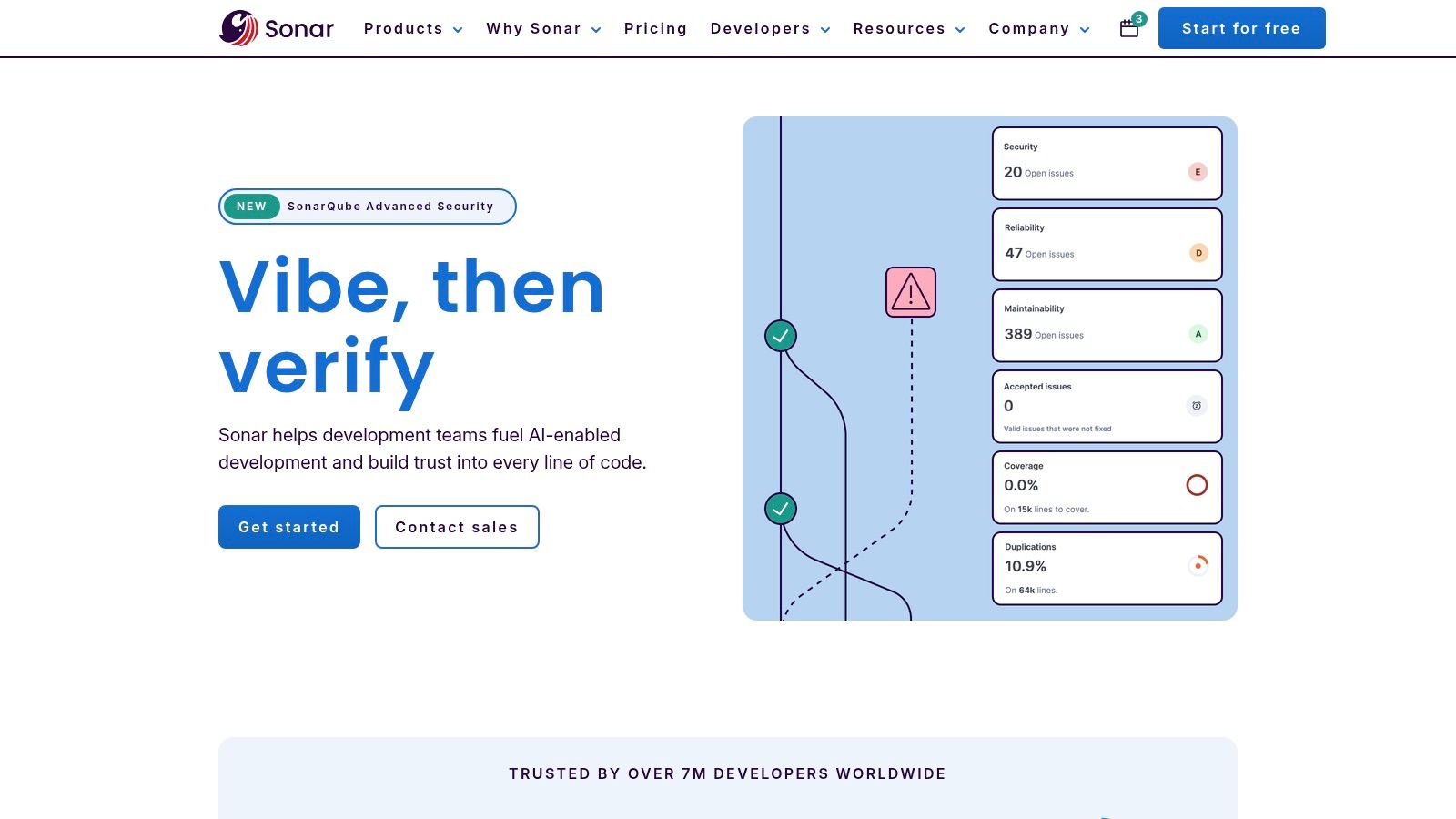
This tool excels at decorating pull requests with actionable feedback directly where developers work. This immediate visibility helps teams maintain high standards without disrupting their flow. For a deeper dive into its capabilities, you can explore this detailed overview of the Sonar static code analyzer.
Key Features & Use Case
Sonar is ideal for development teams that need to enforce consistent coding standards and improve maintainability across a broad tech stack. Its support for over 30 languages makes it highly versatile for polyglot environments.
- Best For: Teams seeking to automate code quality enforcement and integrate SAST directly into their pull request review process.
- Pricing: SonarCloud offers a generous free tier for public projects. Paid plans are based on private lines of code (LOC), starting from €10/month for up to 100k LOC.
- Strengths:
- Effortless SaaS setup and CI/CD integration.
- Clear, enforceable Quality Gates for consistent standards.
- Excellent developer experience with direct PR feedback.
- Limitations:
- LOC-based pricing can become costly for very large monorepos.
- While its security scanning is robust, it may be less comprehensive than specialized, enterprise-grade SAST suites for deep security audits.
3. Semgrep
Semgrep has rapidly become one of the best static analysis tools by combining an open-source core with a powerful, developer-first commercial platform. It excels at fast, lightweight, and highly customizable scanning. Semgrep’s rule-based engine is transparent and easy to extend, allowing teams to write custom rules for their specific security concerns or coding conventions, in addition to using a vast community-curated ruleset.
The platform integrates seamlessly into IDEs, CI pipelines, and source control management systems, providing feedback directly within developer workflows. This approach makes it simple for engineers to find and fix issues without context switching. Beyond SAST, Semgrep also offers Software Composition Analysis (SCA), taint tracking, and secrets detection, making it a comprehensive code security solution.
Key Features & Use Case
Semgrep is perfect for security-conscious engineering teams who value speed, customization, and developer experience. Its ability to quickly scan code with custom-authored rules makes it invaluable for enforcing unique organizational policies and addressing zero-day vulnerabilities across 30+ languages.
- Best For: DevSecOps teams wanting a fast, customizable SAST tool that empowers developers to write their own security checks.
- Pricing: The open-source engine and a registry of 2,000+ community rules are free. Paid tiers (Teams, Enterprise) add advanced features like a central policy management dashboard, cross-file analysis, and auto-triage, with pricing available upon request.
- Strengths:
- Extremely fast scanning performance with low setup friction.
- Excellent rule transparency and powerful custom rule authoring.
- Strong open-source core with a generous free offering.
- Limitations:
- Advanced governance and enterprise-level reporting features are locked behind paid tiers.
- Coverage for some niche languages or frameworks may be less extensive than larger, established enterprise suites.
4. Snyk Code (Snyk platform)
Snyk Code establishes itself among the best static analysis tools by tightly integrating security into the developer's workflow. Its primary strength is its machine learning-driven engine, which provides fast, accurate vulnerability detection with actionable fix advice directly in the IDE. This focus on developer experience is central to Snyk's philosophy, aiming to fix security issues at the earliest possible stage without slowing down development cycles.
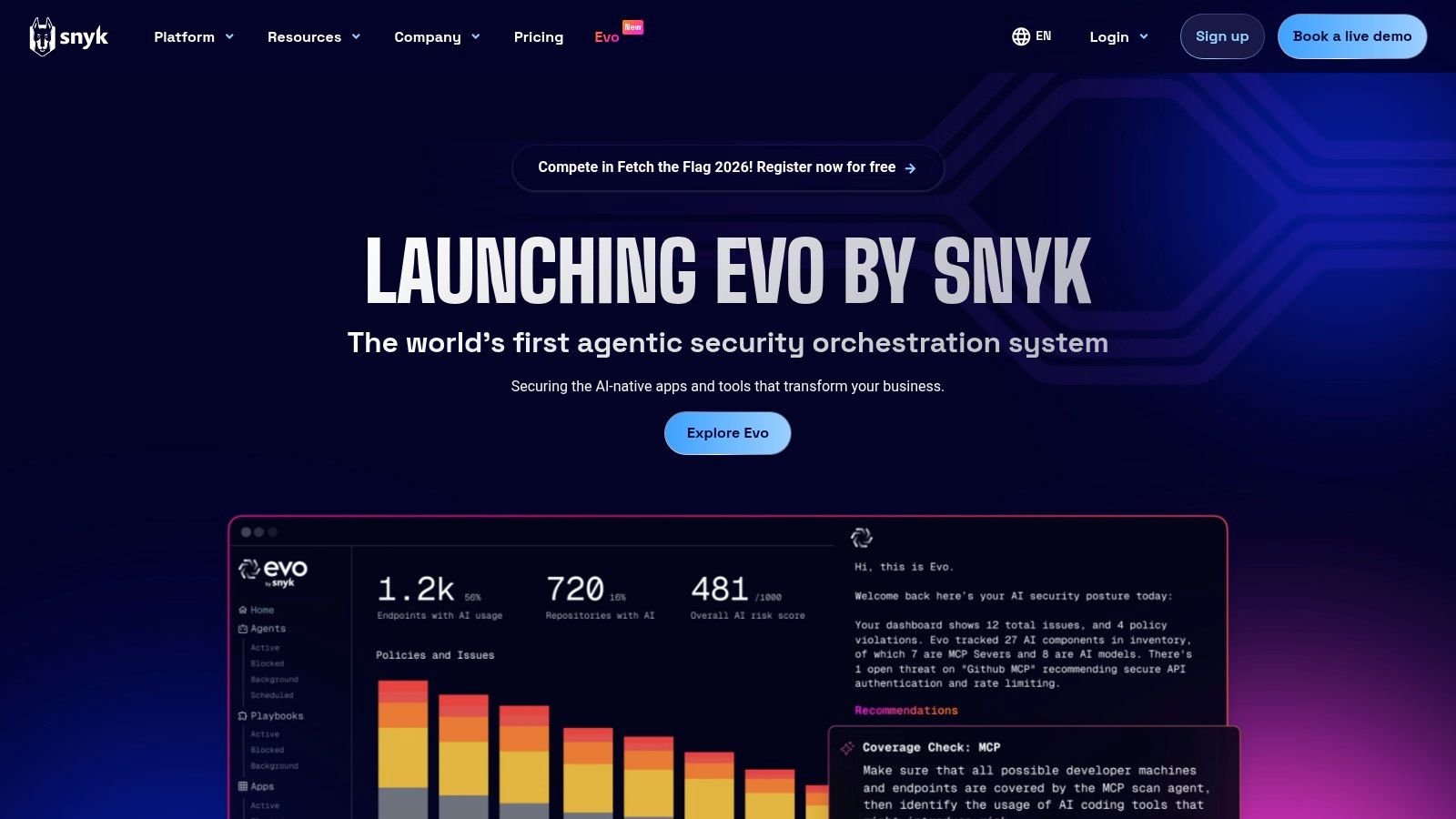
The platform consolidates multiple security scanning capabilities, including SAST (Snyk Code), Software Composition Analysis (SCA), Infrastructure as Code (IaC), and container scanning. This unified approach gives teams a single pane of glass for application security, simplifying tool management and providing a holistic view of risk across the entire software development lifecycle.
Key Features & Use Case
Snyk is best suited for modern development teams that prioritize shifting security left and empowering developers to own security. Its seamless integration into IDEs, SCMs like GitHub, and CI/CD pipelines makes it a powerful tool for organizations practicing DevSecOps.
- Best For: Developer-first security programs needing a unified platform for code, dependency, IaC, and container scanning.
- Pricing: Snyk offers a generous free tier for individuals and small teams. Paid plans (Team and Enterprise) are quote-based and scale with the number of developers.
- Strengths:
- Excellent developer experience with fast scans and in-IDE AI-powered fix suggestions.
- A consolidated platform that covers multiple facets of application security.
- Strong CI/CD and source control integrations for seamless automation.
- Limitations:
- Enterprise-level pricing is not transparent and requires sales engagement.
- Its SAST language coverage, while extensive, may not be as exhaustive as some specialized, legacy enterprise suites.
5. GitHub Code Security (CodeQL / code scanning)
GitHub Code Security leverages the powerful CodeQL engine to provide one of the best static analysis tools directly within the developer ecosystem. Its primary advantage is its native integration into the GitHub platform, making security a seamless part of the development lifecycle. The tool excels at deep dataflow and taint analysis, which allows it to trace untrusted data from its source to where it's used, identifying complex vulnerabilities like SQL injection and cross-site scripting with high accuracy.
Setup is straightforward via GitHub Actions, and results are displayed directly in pull requests, allowing teams to review and fix security issues before they are merged. For many common alert types, GitHub Copilot can even provide AI-powered autofix suggestions, accelerating remediation and reducing the burden on developers to craft complex security patches.
Key Features & Use Case
This tool is ideal for teams already using GitHub who want to "shift left" on security without adding external toolchains. Its ability to create custom CodeQL queries enables security teams to enforce unique, organization-specific rules beyond the default set, making it highly adaptable for targeted threat modeling.
- Best For: Development and DevSecOps teams looking for a deeply integrated, native SAST solution within their existing GitHub workflow.
- Pricing: Free for all public repositories. For private repositories, it requires a GitHub Advanced Security license, which is a paid add-on to GitHub Enterprise plans.
- Strengths:
- Seamless integration with GitHub Actions, PRs, and policy enforcement.
- Powerful CodeQL engine for deep dataflow and variant analysis.
- Free and easily accessible for open-source projects.
- Limitations:
- Requires a paid GitHub Advanced Security add-on for commercial use on private repos.
- Writing custom CodeQL queries and configuring complex builds has a significant learning curve.
6. Synopsys Coverity (Coverity / Synopsys Software Integrity)
Synopsys Coverity is a heavyweight contender in the static analysis space, renowned for its deep, high-confidence security findings and its ability to handle massive, complex codebases. As an enterprise-grade solution, it’s designed for organizations where software integrity and compliance are paramount, particularly in regulated industries like automotive, medical, and aerospace. Its strength lies in its interprocedural analysis, which traces data flows across multiple files and functions to uncover complex vulnerabilities that simpler tools often miss.
While the full platform is a commercial offering, qualifying open-source projects can apply to use Coverity Scan for free, giving them access to its powerful analysis engine. This positions it as one of the best static analysis tools for both large enterprises and critical open-source infrastructure.
Key Features & Use Case
Coverity is ideal for DevSecOps teams in large enterprises or those developing safety-critical systems that require exhaustive analysis and auditable compliance reporting. Its detailed vulnerability descriptions and remediation guidance help security and development teams collaborate effectively to resolve high-risk issues before they reach production.
- Best For: Enterprise teams in regulated or security-sensitive industries needing deep SAST with comprehensive reporting and policy enforcement.
- Pricing: Enterprise pricing is available via a sales quote. A free version, Coverity Scan, is available for qualifying open-source projects.
- Strengths:
- Exceptional detection accuracy for complex, multi-file security vulnerabilities.
- Scales effectively to millions of lines of code across large monorepos.
- Strong support for safety-critical standards (e.g., MISRA, AUTOSAR).
- Limitations:
- Enterprise licensing can be a significant investment.
- Setup and configuration can be more complex than lightweight, SaaS-first tools.
7. OpenText Fortify (Fortify Static Code Analyzer)
OpenText Fortify is a long-standing, enterprise-grade static application security testing (SAST) solution renowned for its comprehensive security analysis and flexible deployment. As one of the best static analysis tools for large organizations, its strength lies in its mature and extensive rule sets, which cover a vast range of vulnerabilities across more than 33 languages. Fortify is built for environments where security and compliance are non-negotiable, offering on-premises, private cloud, and SaaS (Fortify on Demand) deployment models to fit stringent data governance requirements.
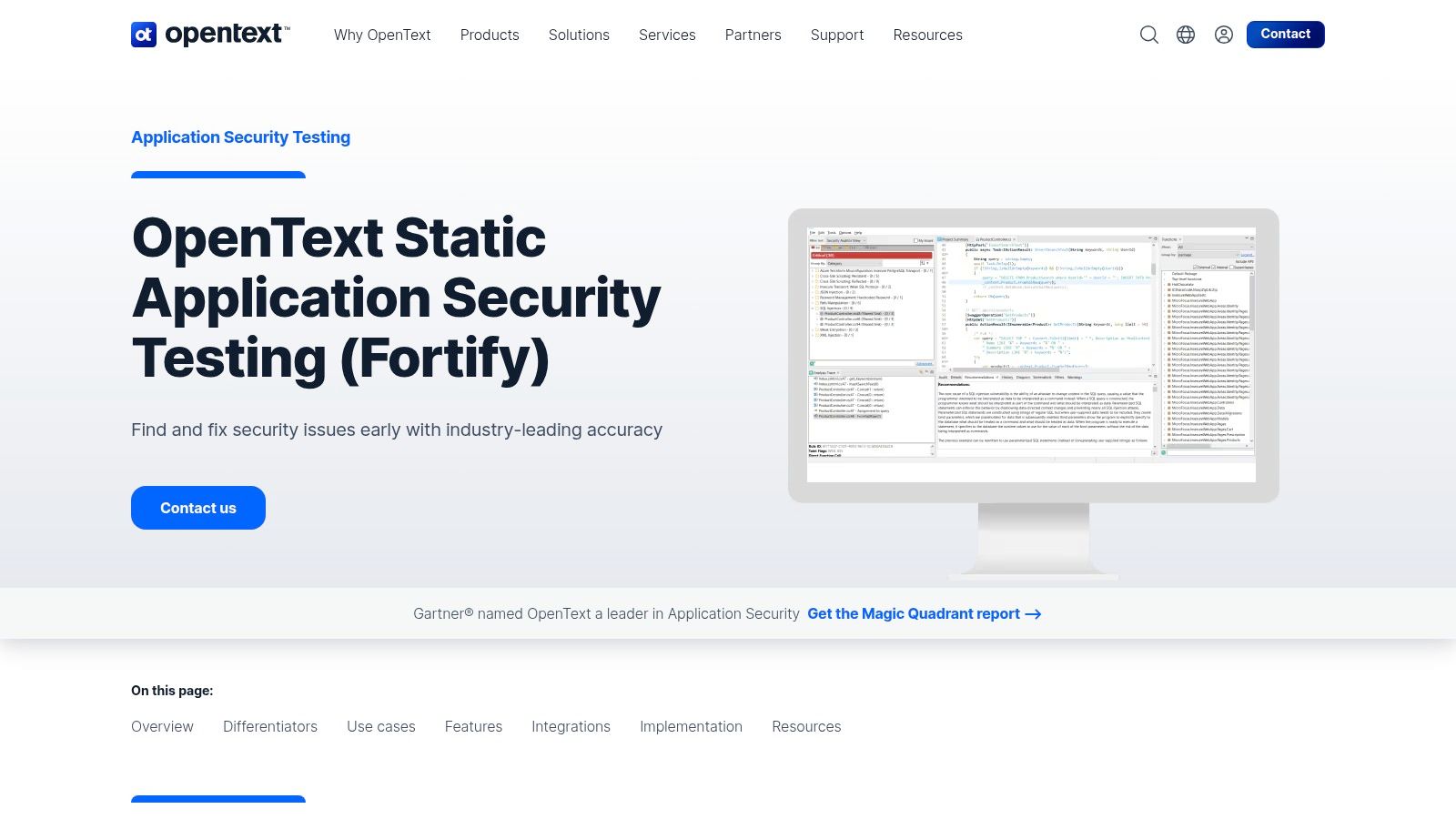
The platform differentiates itself with its Audit Assistant, a machine learning engine designed to significantly reduce the manual effort of triaging findings. By learning from past audits, it intelligently prioritizes critical vulnerabilities and suppresses false positives, allowing security teams to focus their attention where it matters most. This makes it a powerful choice for organizations managing large, complex codebases where scan results could otherwise be overwhelming.
Key Features & Use Case
Fortify is ideally suited for large enterprises, government agencies, and regulated industries that require a deep, auditable security analysis integrated into their software development lifecycle. Its comprehensive language and framework support ensures it can handle diverse and legacy application portfolios effectively.
- Best For: Security teams in large organizations needing a highly configurable, enterprise-scale SAST solution with multiple deployment options.
- Pricing: Pricing is quote-based and tailored for enterprise agreements. Access the tool via the official OpenText Fortify website.
- Strengths:
- Mature, extensive vulnerability detection rulesets and broad language support.
- Flexible deployment (SaaS, hosted, on-prem) meets strict security and compliance needs.
- AI-powered Audit Assistant effectively reduces false positive fatigue.
- Limitations:
- Enterprise-level pricing can be a significant investment.
- The user interface and overall experience can feel heavier and less intuitive compared to modern, developer-first tools.
8. Checkmarx One
Checkmarx One is an enterprise-grade application security platform that provides a powerful and comprehensive suite of tools, with its static analysis (SAST) capabilities at the core. Designed for large-scale development environments, it offers both a cloud-native platform and an on-premise solution (CxSAST) to fit diverse infrastructure needs. Its key differentiator is its focus on consolidating multiple security signals, including SAST, SCA, and IaC scanning, into a single, correlated view of risk.
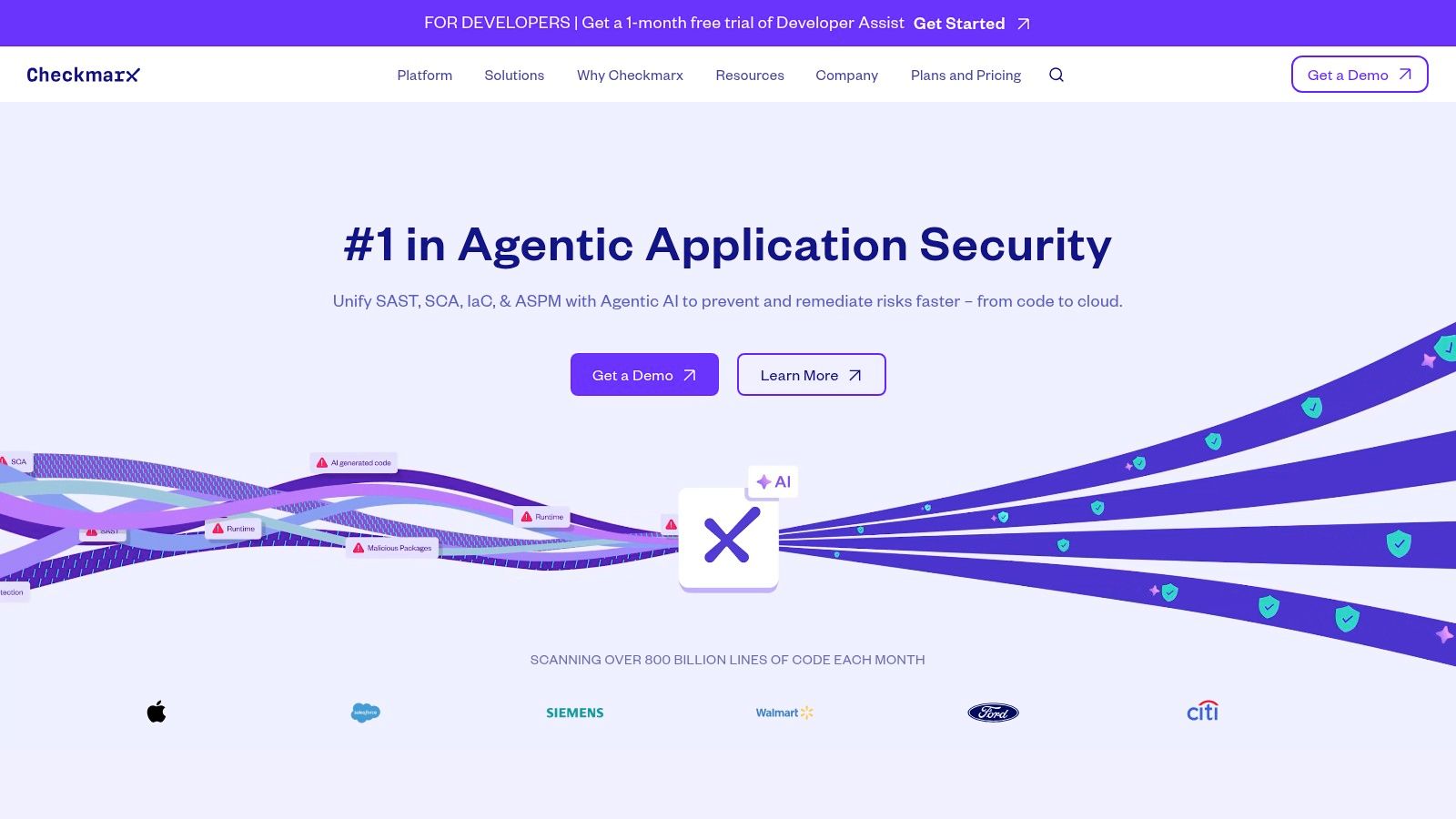
The platform empowers developers with its AI-powered remediation, offering in-IDE suggestions and identifying the "best-fix location" to resolve vulnerabilities efficiently. This focus on developer enablement, combined with its robust risk prioritization features, makes Checkmarx One a top choice for organizations looking to embed security deeply into the software development lifecycle without slowing down velocity. It is regarded as one of the best static analysis tools for complex, security-critical applications.
Key Features & Use Case
Checkmarx One is best suited for enterprises that require a holistic AppSec platform to manage security risks across a wide portfolio of applications, with strong support for compliance and governance. Its adaptive scanning and AI assistance help manage the complexity of modern development.
- Best For: Security-conscious enterprises needing a unified platform for SAST, SCA, and API security with advanced risk management and developer-focused remediation tools.
- Pricing: Available by custom quote only, tailored to organizational needs and scale.
- Strengths:
- Comprehensive platform covering SAST, SCA, IaC, and more.
- Powerful in-IDE experience with AI-assisted remediation.
- Flexible deployment models (cloud and on-premise).
- Limitations:
- The platform's breadth can introduce complexity for smaller teams.
- Quote-based pricing makes it less accessible for teams without a dedicated security budget.
9. Veracode Static Analysis
Veracode has established itself as one of the best static analysis tools for enterprises prioritizing security compliance and governance. Its SaaS-first model leverages a powerful engine that performs a whole-program analysis, compiling the code to create a detailed model before scanning. This approach is designed to deliver highly accurate findings with a lower rate of false positives, which is a major advantage for security teams looking to focus on real, exploitable vulnerabilities.
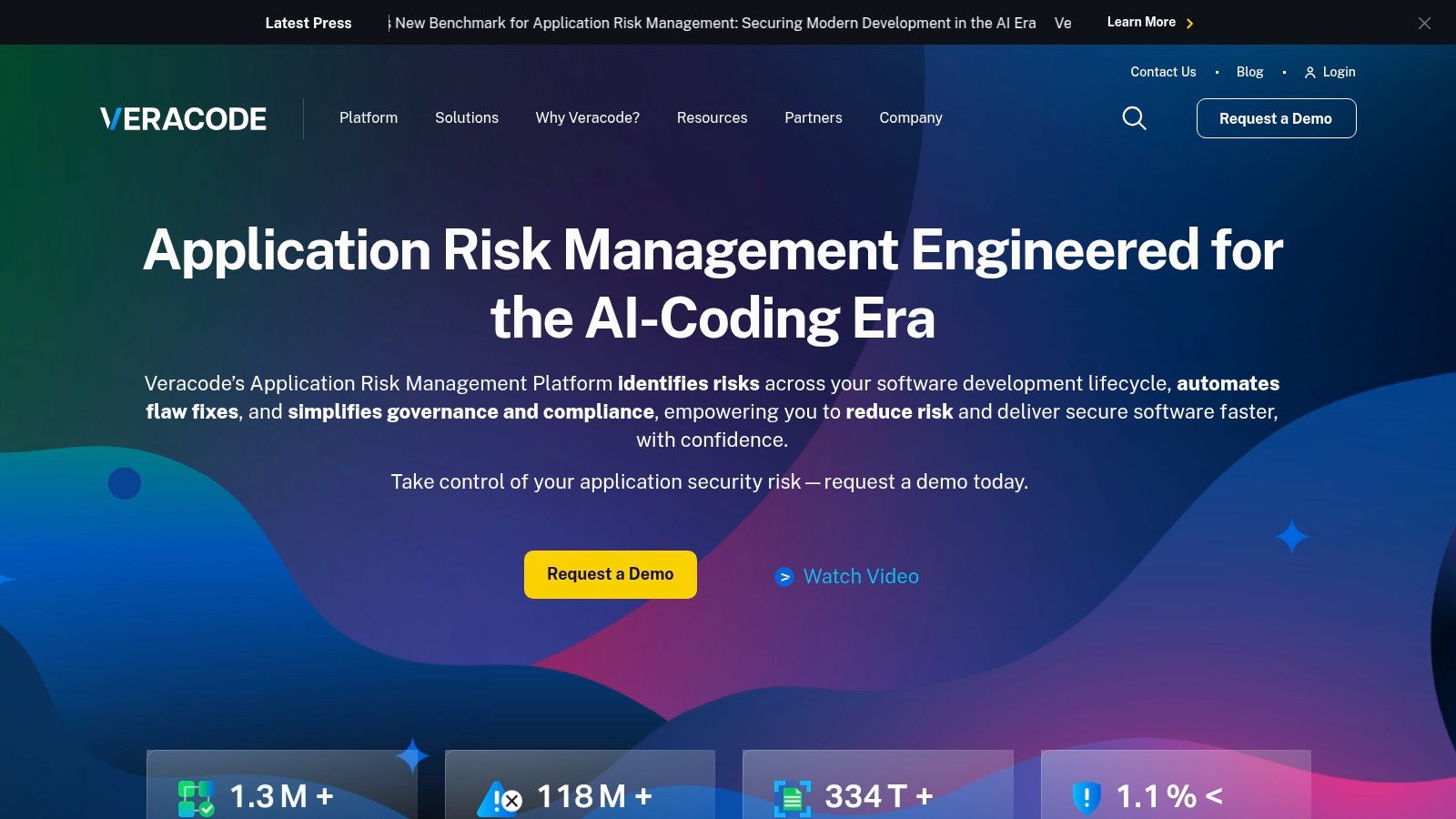
The platform integrates directly into developer workflows via IDE plugins and CI/CD pipeline integrations, providing feedback early in the development lifecycle. Its strong policy controls and comprehensive reporting capabilities make it a go-to solution for organizations needing to demonstrate compliance with standards like OWASP Top 10, CWE, and others.
Key Features & Use Case
Veracode Static Analysis is ideal for mid-market to large enterprise organizations that require a mature, scalable application security program with robust governance and minimal operational overhead. Its focus on accuracy helps security teams manage risk without overwhelming development teams with noise.
- Best For: Enterprises needing to enforce security policies, manage risk across a large application portfolio, and achieve regulatory compliance.
- Pricing: Quote-based. Pricing is tailored to organizational needs, often based on the number of applications scanned.
- Strengths:
- Mature SaaS delivery simplifies deployment and management.
- Strong reputation for low false positives and high accuracy out-of-the-box.
- Excellent governance, policy management, and compliance reporting features.
- Limitations:
- Quote-based pricing can be opaque, and total cost can increase with add-ons.
- The platform is less open to deep customization or custom queries compared to more flexible, self-hosted engines.
10. JetBrains Qodana
JetBrains Qodana brings the powerful code inspection capabilities of JetBrains IDEs directly into the CI/CD pipeline, making it an exceptional static analysis tool for teams already invested in the JetBrains ecosystem. It offers a unified platform for quality, security, and license compliance checks, ensuring consistency between local development environments and the automated build process. The core value lies in its ability to leverage the same trusted linters and inspections developers use daily in IDEs like IntelliJ IDEA or PyCharm, but run them at scale on the server.
This synergy creates a seamless developer experience, as issues flagged in the CI pipeline can be opened and fixed directly in the IDE with a single click. Qodana provides actionable reports and quality gates, helping teams maintain high standards and prevent technical debt from accumulating in their codebase.
Key Features & Use Case
Qodana is perfectly suited for development teams that rely on JetBrains IDEs and want to extend that familiar, high-quality analysis into their automated CI workflows. It provides a consistent set of rules and feedback loops from the developer’s machine to the production pipeline.
- Best For: Teams seeking to unify their local and CI-based code analysis using the trusted power of JetBrains inspections.
- Pricing: Qodana offers a free Community plan for essential checks. The Ultimate plan is priced per active contributor, starting at $26.58 per user/month (billed annually), with a 30-day free trial available.
- Strengths:
- Unparalleled integration with JetBrains IDEs for a frictionless workflow.
- Comprehensive analysis covering code quality, security vulnerabilities, and license compliance.
- Clear, contributor-based pricing model that scales with your team.
- Limitations:
- Language and framework support is tied to the capabilities of JetBrains' linters, which may be less extensive than some dedicated polyglot tools.
- Teams not using JetBrains IDEs will miss out on its primary workflow advantage.
11. AWS Marketplace (SAST product listings)
For organizations deeply embedded in the AWS ecosystem, the AWS Marketplace serves as a strategic procurement hub rather than a standalone tool. It simplifies acquiring and deploying some of the best static analysis tools by consolidating billing, streamlining vendor onboarding, and offering flexible deployment models. Instead of managing separate contracts, teams can procure powerful SAST solutions like Checkmarx One or Veracode directly through their existing AWS account, often with options for private offers and customized pricing.
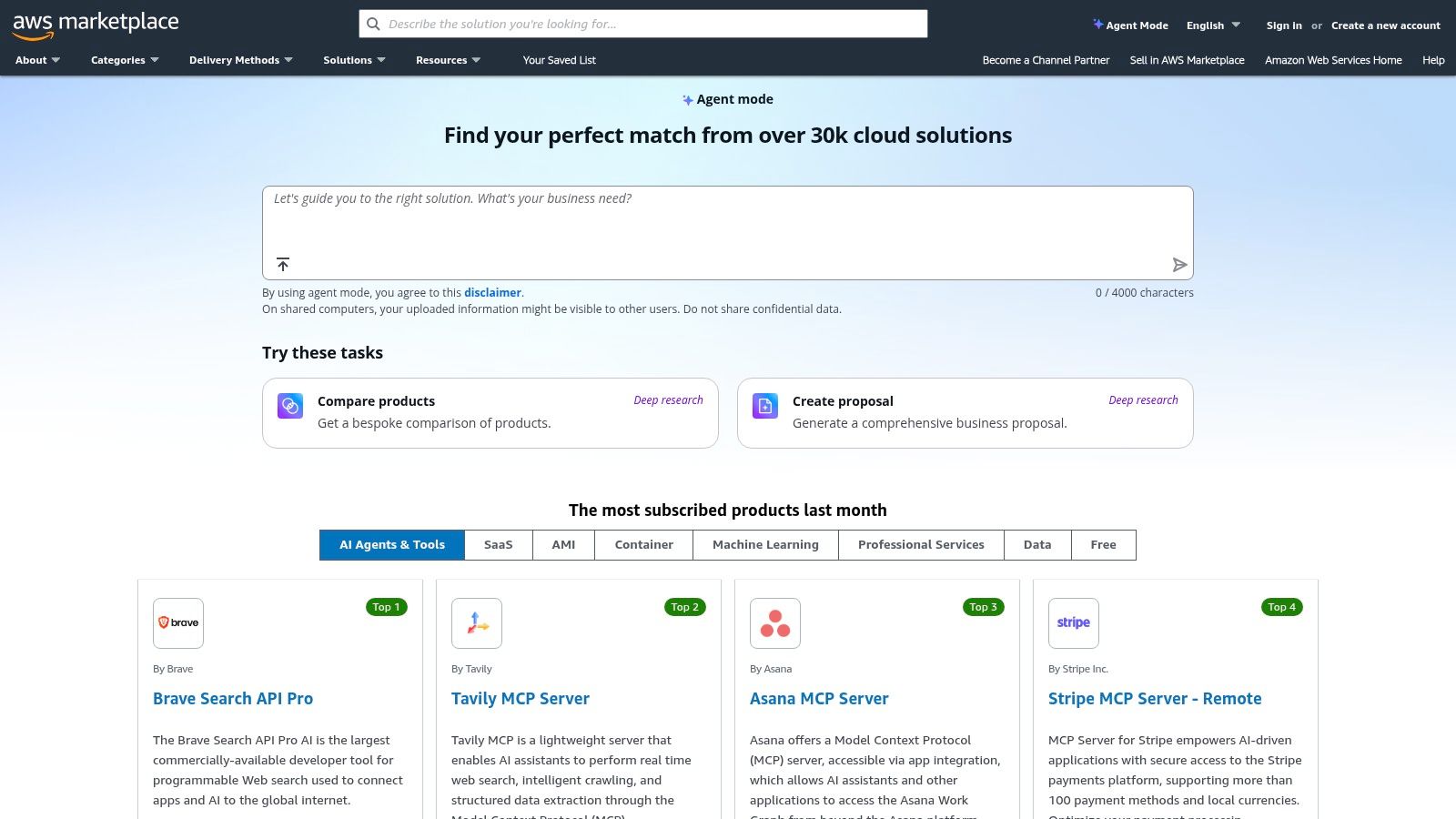
This approach is particularly beneficial for enterprises looking to leverage their committed AWS spend and accelerate security tool adoption. The platform offers both SaaS subscriptions and Amazon Machine Image (AMI) deployments, giving teams control over where their security analysis workloads run.
Key Features & Use Case
AWS Marketplace is the ideal starting point for AWS-centric organizations that need to simplify the often complex and lengthy procurement process for enterprise-grade security tools. It allows them to quickly trial, purchase, and deploy solutions from leading vendors using a familiar interface and billing system.
- Best For: Engineering and security teams in AWS-native companies aiming to streamline vendor management and billing for their static analysis tools.
- Pricing: Varies by vendor. The Marketplace facilitates various models, including free trials, pay-as-you-go, and annual subscriptions, with consolidated AWS billing.
- Strengths:
- Simplified procurement and consolidated billing through an existing AWS account.
- Faster vendor onboarding and compliance alignment for AWS customers.
- Flexible deployment options, including SaaS and self-hosted AMIs.
- Limitations:
- The selection is limited to vendors who have partnered with AWS.
- Full pricing details are not always public, sometimes requiring a private offer.
- Feature sets for marketplace versions may occasionally differ from direct vendor offerings.
12. G2 (Static Application Security Testing category)
While not a static analysis tool itself, G2's Static Application Security Testing (SAST) category is an invaluable resource for navigating the crowded market. It serves as a crowdsourced hub where real users share feedback, making it an essential first stop for comparing the best static analysis tools based on satisfaction scores, ease of use, and support quality. The platform aggregates this data into visual G2 Grids and leader reports, which help teams quickly shortlist vendors that fit their specific needs.
Instead of relying solely on vendor marketing, G2 provides a layer of social proof. You can filter reviews by company size, industry, and role, allowing you to see how a tool performs for organizations similar to yours. This pragmatic approach helps validate vendor claims and provides a realistic preview of implementation challenges and potential ROI before committing to a purchase.
Key Features & Use Case
G2 is the ideal starting point for teams in the research and evaluation phase. It helps narrow down options from a broad list to a manageable shortlist of relevant SAST solutions, providing direct links to vendor websites, free trials, and demo requests.
- Best For: Engineering and security leaders conducting market research to compare SAST tools and validate vendor claims with real-world user experiences.
- Pricing: Free to access and browse all reviews and reports.
- Strengths:
- Authentic user reviews offer unbiased insights into tool performance.
- Powerful filtering helps identify relevant tools for specific industries or company sizes.
- G2 Grid reports provide a clear, data-driven overview of market leaders.
- Limitations:
- Reviews can sometimes be skewed by vendor-led campaigns.
- The platform serves as a research hub and does not sell tools directly.
- Information may be less technical than a dedicated engineering deep-dive.
Top 12 Static Analysis Tools — Feature Comparison
| Product | Core features ✨ | UX & quality ★ | Value & pricing 💰 | Target audience 👥 |
|---|---|---|---|---|
| kluster.ai 🏆 | Real-time in‑IDE reviews, intent engine, hallucination verification, guardrails | ★★★★★ — ~5s feedback, reduces PR ping‑pong | 💰 Start free; enterprise demo/quote | 👥 Developers & engineering teams using AI assistants |
| Sonar (SonarCloud / SonarQube) | PR decoration, 30+ languages, quality gates, secrets detection | ★★★★☆ — strong CI/PR UX | 💰 Free tier + paid (LOC‑based) | 👥 Dev teams enforcing quality gates |
| Semgrep | Fast rule‑based scans, custom rules, cross‑file analysis, SCA/secrets | ★★★★☆ — transparent rules, fast scans | 💰 OSS free core; Teams/Enterprise paid | 👥 Devs & security engineers who customize rules |
| Snyk Code | IDE AI fix hints, integrated SCA/IaC/container scanning | ★★★★☆ — dev‑friendly IDE integrations | 💰 Free + paid; enterprise via sales | 👥 DevSecOps and developer-first security teams |
| GitHub Code Security (CodeQL) | CodeQL dataflow, custom queries, Copilot autofix, GH Actions | ★★★★☆ — native GH PR checks | 💰 💰 Free for public; paid add‑on for private repos | 👥 GitHub‑centric orgs & OSS projects |
| Synopsys Coverity | Deep whole‑code analysis, tunable depth, enterprise triage | ★★★★★ — high‑fidelity for large/critical codebases | 💰 Quote/enterprise; Coverity Scan free for OSS | 👥 Large enterprises, regulated/safety‑critical teams |
| OpenText Fortify | 33+ langs, 1,400+ vuln categories, Audit Assistant ML triage | ★★★★☆ — mature rulesets, heavier UX | 💰 Quote/enterprise (SaaS/on‑prem options) | 👥 Regulated enterprises needing flexible deployment |
| Checkmarx One | SAST + SCA + IaC + AI dev assist, adaptive scanning | ★★★★☆ — enterprise feature breadth, strong IDE aids | 💰 Quote/enterprise | 👥 Enterprise AppSec teams & platform buyers |
| Veracode Static Analysis | Whole‑program analysis, low false positives, governance | ★★★★☆ — SaaS governance & reporting focus | 💰 Quote/enterprise | 👥 Midmarket → enterprise compliance teams |
| JetBrains Qodana | CI + JetBrains IDE integration, security & quality checks | ★★★★☆ — great ergonomics for JetBrains users | 💰 Community free; Ultimate paid | 👥 JetBrains IDE users and teams |
| AWS Marketplace (SAST listings) | Consolidated procurement, SaaS/AMI listings, private offers | ★★★☆☆ — UX varies by listing | 💰 Varies by vendor; AWS billing consolidation | 👥 AWS‑centric procurement & cloud teams |
| G2 (SAST category) | Crowdsourced reviews, leader grids, filterable insights | ★★☆☆☆ — review quality varies; useful signals | 💰 Free to browse reviews | 👥 Buyers shortlisting and benchmarking vendors |
Pairing Static Analysis with Real-Time Verification for a Complete Workflow
Navigating the landscape of the best static analysis tools can feel overwhelming, but this guide has equipped you with a curated list of leading solutions, each with distinct strengths tailored to different needs. We've explored everything from the open-source flexibility of Semgrep to the enterprise-grade power of Synopsys Coverity and the integrated ecosystem of GitHub Code Security. The core takeaway is clear: integrating a Static Application Security Testing (SAST) tool is no longer optional; it's a foundational component of modern software development.
These tools serve as your automated code reviewers, tirelessly scanning every commit for known vulnerabilities, security flaws, and quality issues before they can escalate into production incidents. By shifting security and quality checks left, you empower developers, reduce remediation costs, and build a more resilient engineering culture. The right tool acts as a crucial safety net within your CI/CD pipeline, ensuring a baseline of quality and security for every release.
Choosing Your Static Analysis Foundation
Selecting the right tool requires a strategic approach. It’s not just about finding the tool with the most features, but the one that aligns with your team's specific context.
To make the best decision, consider these critical factors:
- Ecosystem Integration: How seamlessly does the tool fit into your existing workflow? Prioritize solutions with native integrations for your version control system (like GitHub or GitLab), CI/CD platform (like Jenkins or CircleCI), and IDEs (like VS Code or JetBrains). A tool that creates friction will not be adopted.
- Developer Experience: A tool that developers resent is a tool that gets ignored. Look for features like clear remediation guidance, low false positive rates, and fast scan times. Sonar and Semgrep often excel here, providing actionable feedback directly where developers work.
- Primary Use Case: Are you prioritizing security, code quality, or both? For a DevSecOps focus, tools like Snyk Code, Checkmarx, and Veracode offer deep security-specific analysis. For a broader focus on code health and maintainability, SonarQube or Qodana might be a better fit.
- Scalability and Governance: For large organizations and enterprises, the ability to enforce consistent policies, manage permissions, and generate compliance reports is non-negotiable. This is where platforms like Fortify, Coverity, and the enterprise tiers of SonarQube truly shine.
Beyond the CI/CD Pipeline: The Real-Time Advantage
While traditional SAST is essential for catching issues before they merge, the most effective development workflows provide feedback even earlier. The modern development loop, accelerated by AI coding assistants, demands immediate verification. This is where pairing one of the best static analysis tools with a real-time, in-IDE verification platform like kluster.ai creates a comprehensive, multi-layered defense.
Static analysis is fundamentally reactive; it scans code that has already been written and committed. Real-time verification, in contrast, is proactive. It validates code logic, checks for AI-generated hallucinations, and prevents subtle regressions as the developer types. This instant feedback loop catches a different class of errors, specifically the complex logic flaws and unexpected edge cases that SAST tools, focused on known vulnerability patterns, often miss.
By combining these two approaches, you create a powerful synergy. Your CI-based SAST tool acts as the gatekeeper for your repository, while your in-IDE verification tool acts as a co-pilot for your developers, ensuring the code they write is correct from the very first line. This dual strategy minimizes rework, shortens review cycles, and gives teams the confidence to innovate and ship at high velocity without sacrificing quality or security. Ultimately, building a robust software development lifecycle isn't about choosing one tool, but about layering the right tools to provide feedback at every critical stage.
Ready to complete your code quality workflow? While the best static analysis tools secure your pipeline, kluster.ai secures your code at the point of creation. Prevent AI-generated bugs and logic errors in your IDE before they ever reach a pull request by visiting kluster.ai to get started.